Home Upload Photo Upload Videos Write a Blog Analytics Messaging Streaming Create Adverts Creators Program
Bebuzee Afghanistan Bebuzee Albania Bebuzee Algeria Bebuzee Andorra Bebuzee Angola Bebuzee Antigua and Barbuda Bebuzee Argentina Bebuzee Armenia Bebuzee Australia Bebuzee Austria Bebuzee Azerbaijan Bebuzee Bahamas Bebuzee Bahrain Bebuzee Bangladesh Bebuzee Barbados Bebuzee Belarus Bebuzee Belgium Bebuzee Belize Bebuzee Benin Bebuzee Bhutan Bebuzee Bolivia Bebuzee Bosnia and Herzegovina Bebuzee Botswana Bebuzee Brazil Bebuzee Brunei Bebuzee Bulgaria Bebuzee Burkina Faso Bebuzee Burundi Bebuzee Cabo Verde Bebuzee Cambodia Bebuzee Cameroon Bebuzee Canada Bebuzee Central African Republic Bebuzee Chad Bebuzee Chile Bebuzee China Bebuzee Colombia Bebuzee Comoros Bebuzee Costa Rica Bebuzee Côte d'Ivoire Bebuzee Croatia Bebuzee Cuba Bebuzee Cyprus Bebuzee Czech Republic Bebuzee Democratic Republic of the Congo Bebuzee Denmark Bebuzee Djibouti Bebuzee Dominica Bebuzee Dominican Republic Bebuzee Ecuador Bebuzee Egypt Bebuzee El Salvador Bebuzee Equatorial Guinea Bebuzee Eritrea Bebuzee Estonia Bebuzee Eswatini Bebuzee Ethiopia Bebuzee Fiji Bebuzee Finland Bebuzee France Bebuzee Gabon Bebuzee Gambia Bebuzee Georgia Bebuzee Germany Bebuzee Ghana Bebuzee Greece Bebuzee Grenada Bebuzee Guatemala Bebuzee Guinea Bebuzee Guinea-Bissau Bebuzee Guyana Bebuzee Haiti Bebuzee Honduras Bebuzee Hong Kong Bebuzee Hungary Bebuzee Iceland Bebuzee India Bebuzee Indonesia Bebuzee Iran Bebuzee Iraq Bebuzee Ireland Bebuzee Israel Bebuzee Italy Bebuzee Jamaica Bebuzee Japan Bebuzee Jordan Bebuzee Kazakhstan Bebuzee Kenya Bebuzee Kiribati Bebuzee Kuwait Bebuzee Kyrgyzstan Bebuzee Laos Bebuzee Latvia Bebuzee Lebanon Bebuzee Lesotho Bebuzee Liberia Bebuzee Libya Bebuzee Liechtenstein Bebuzee Lithuania Bebuzee Luxembourg Bebuzee Madagascar Bebuzee Malawi Bebuzee Malaysia Bebuzee Maldives Bebuzee Mali Bebuzee Malta Bebuzee Marshall Islands Bebuzee Mauritania Bebuzee Mauritius Bebuzee Mexico Bebuzee Micronesia Bebuzee Moldova Bebuzee Monaco Bebuzee Mongolia Bebuzee Montenegro Bebuzee Morocco Bebuzee Mozambique Bebuzee Myanmar Bebuzee Namibia Bebuzee Nauru Bebuzee Nepal Bebuzee Netherlands Bebuzee New Zealand Bebuzee Nicaragua Bebuzee Niger Bebuzee Nigeria Bebuzee North Korea Bebuzee North Macedonia Bebuzee Norway Bebuzee Oman Bebuzee Pakistan Bebuzee Palau Bebuzee Panama Bebuzee Papua New Guinea Bebuzee Paraguay Bebuzee Peru Bebuzee Philippines Bebuzee Poland Bebuzee Portugal Bebuzee Qatar Bebuzee Republic of the Congo Bebuzee Romania Bebuzee Russia Bebuzee Rwanda Bebuzee Saint Kitts and Nevis Bebuzee Saint Lucia Bebuzee Saint Vincent and the Grenadines Bebuzee Samoa Bebuzee San Marino Bebuzee São Tomé and Príncipe Bebuzee Saudi Arabia Bebuzee Senegal Bebuzee Serbia Bebuzee Seychelles Bebuzee Sierra Leone Bebuzee Singapore Bebuzee Slovakia Bebuzee Slovenia Bebuzee Solomon Islands Bebuzee Somalia Bebuzee South Africa Bebuzee South Korea Bebuzee South Sudan Bebuzee Spain Bebuzee Sri Lanka Bebuzee Sudan Bebuzee Suriname Bebuzee Sweden Bebuzee Switzerland Bebuzee Syria Bebuzee Taiwan Bebuzee Tajikistan Bebuzee Tanzania Bebuzee Thailand Bebuzee Timor-Leste Bebuzee Togo Bebuzee Tonga Bebuzee Trinidad and Tobago Bebuzee Tunisia Bebuzee Turkey Bebuzee Turkmenistan Bebuzee Tuvalu Bebuzee Uganda Bebuzee Ukraine Bebuzee United Arab Emirates Bebuzee United Kingdom Bebuzee Uruguay Bebuzee Uzbekistan Bebuzee Vanuatu Bebuzee Venezuela Bebuzee Vietnam Bebuzee World Wide Bebuzee Yemen Bebuzee Zambia Bebuzee Zimbabwe
Blog Image

What's New in Windows 11's 22H2 Update: Top 10 New Features

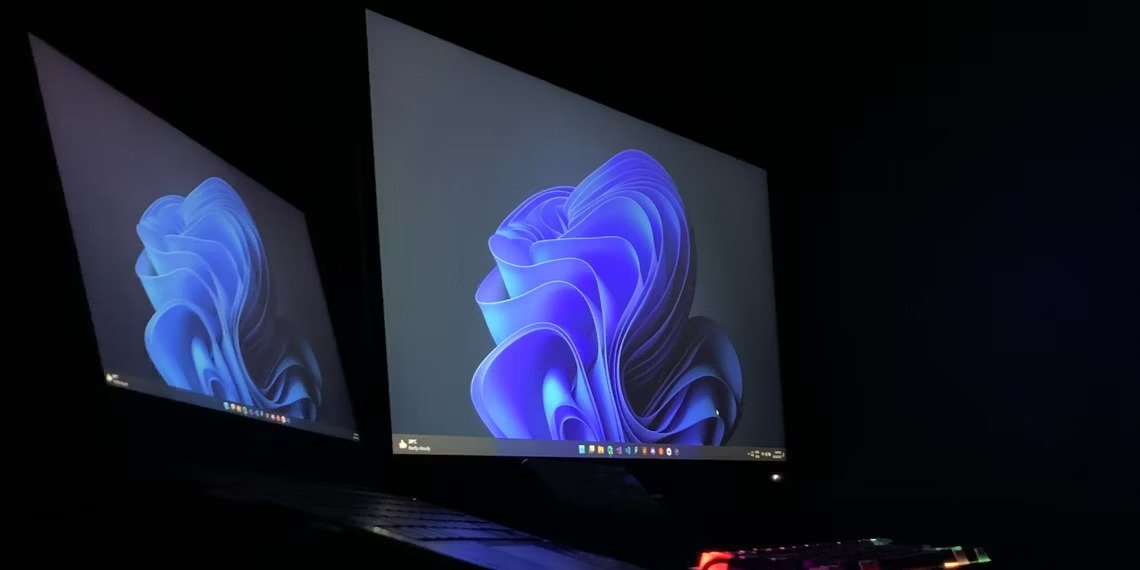
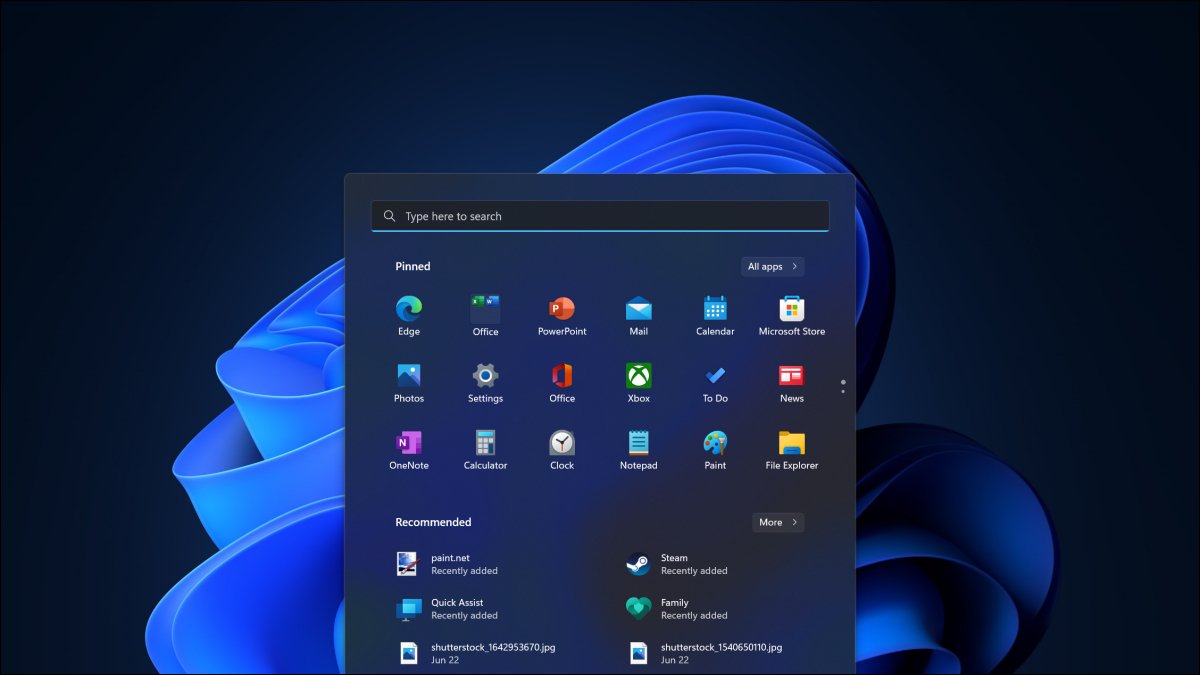
Windows 11 is getting its first big update with 22H2, which was codenamed “Sun Valley 2” during development. With Windows 11.

Windows 11 is getting its first big update with 22H2, which was codenamed “Sun Valley 2” during development. With Windows 11, Microsoft has moved to a yearly release cycle for major updates, leaving behind Windows 10’s frantic twice-per-year schedule.

What You Need to Know

This update is named 22H2 as it’s being released in the second half of 2022. Specifically, it hit Microsoft’s Release Preview channel on June 7, 2022. This implies the update may roll out sometime in the summer of 2022.

However, as Microsoft is only a yearly release cycle for major updates and Windows 11 was released on October 4, 2022, it’s very possible that the update may not become stable until fall 2022. Microsoft hasn’t given a solid release date yet. We don’t really know for sure, but if you pressed us, we’d say you should expect it in the fall.

When it is available, the free update will be offered via Windows Update. You’ll see it as an option at the top of the window at Settings > Windows Update.

If you want the update early, you can always join the Windows Insider Program’s Release Preview channel on your PC. However, if you install the update before it’s all ready to go, you are increasing the odds you will run into bugs.

Windows 11 now features an updated, modernized Task Manager with some new features. As always, you can press Ctrl+Shift+Esc to open it, right-click the Start button and select “Task Manager,” launch “Task Manager” from the Start menu, or press Ctrl+Alt+Delete and then click “Task Manager” to open it.

The Task Manager’s interface now looks much more at home on Windows 11. It’s similar to how Microsoft handled the Notepad update: All the standard functionality is still here. However, the interface is modernized—it now even has support for dark mode, and the shading for the resource usage columns on the Processes tab uses your chosen accent color.

Under the Processes tab, you’ll also find an “Efficiency Mode” option. You can manually enable this for certain processes to reduce their power usage. Certain processes—like some Microsoft Edge processes—automatically use similar techniques and will show a leaf icon in their Status column.

Taskbar Drag and Drop

One huge missing feature is back: You can now drag and drop files, images, and other things to taskbar icons. This was a big feature beloved by many Windows users in Windows 10 and earlier versions of Windows.

Now, it’s back and works mostly like you would expect it to. However, when you drag something to a taskbar icon, you will still see a circle with a line through it, implying you can’t drag and drop. However, when you drag to the application icon, Windows 11 will switch to the relevant window and you can drag and drop directly onto that window, as usual. Read More...

 

Previous Post

Open source developers urged to ditch GitHub following Copilot launch

Next Post

Ascend Vietnam Ventures' fund exceeds $50m target

Comments