4 Tips for preparing to migrate to a new iPhone
-
 Loading...
 - Buchra Issawi
- 18 Oct 2022
- 64 Views
- 0 Like
- 0 Comment
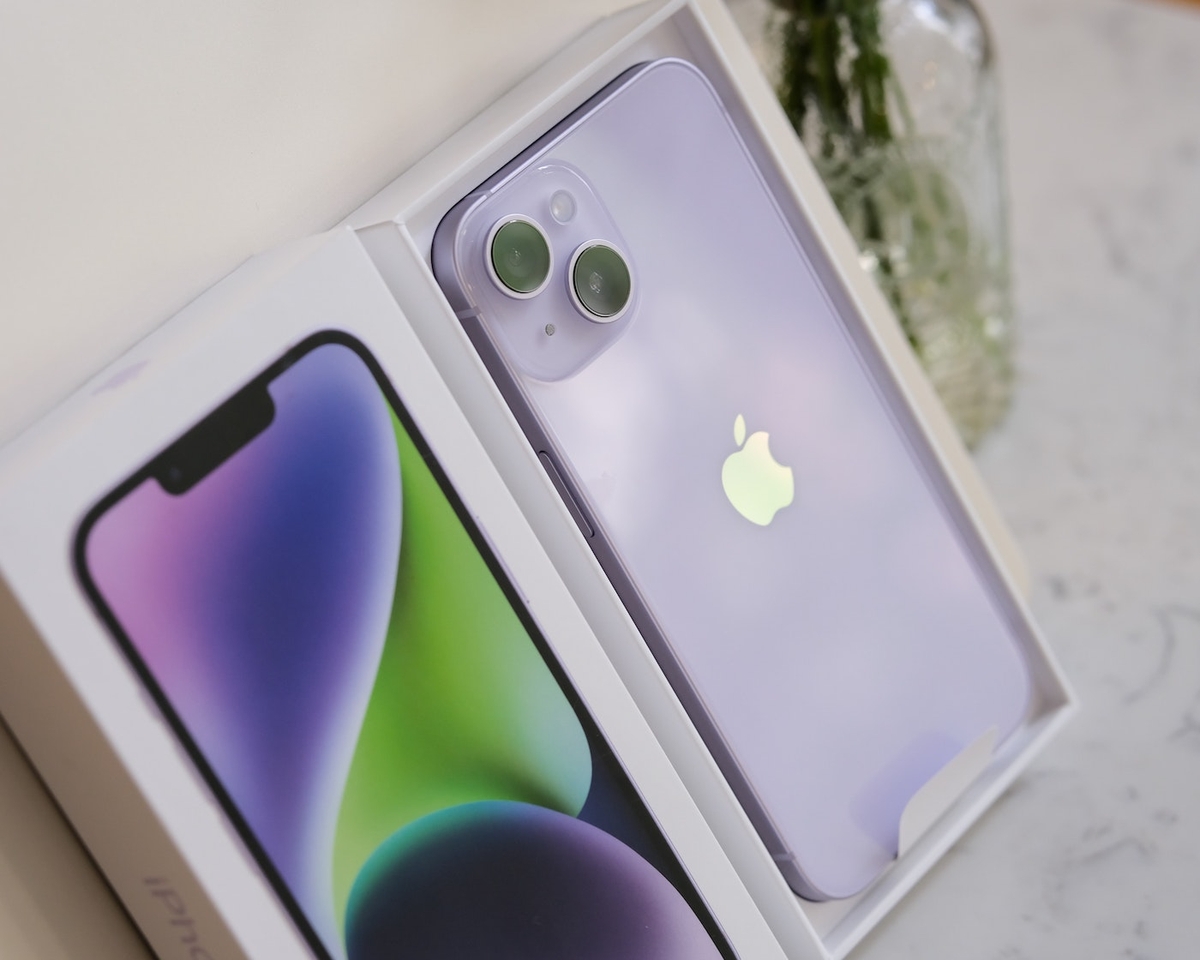
The introduction of Apple’s new iPhone 14 and iPhone 14 Pro are sure to result in many iPhone owners upgrading to the new models. When upgrading to a new iPhone using iCloud — an easy and efficient method — there are a few steps you can take upfront to ensure the process completes properly, and you don’t end up with applications and data you don’t want on the new handset.
How to prepare to migrate to a new iPhone
Delete unnecessary applications
Now is a perfect time to perform some basic cleanup. Review the installed applications and programs on your current iPhone and ask yourself if you really need each of those programs. If you’re like me, you’ll find several previously installed programs that you thought you were going to use often and didn’t.
Each installed program takes up storage and consumes processor cycles in the form of background app refresh activity, saps energy by tracking your location and even eats into your data plan if cellular connectivity is enabled to assist the app in tracking you. Don’t transfer these unnecessary programs that can consume needed storage, data and battery life. Remove them before migrating to the new device.
Confirm settings
Because settings and user preferences typically transfer during a migration from an old to a new iPhone, now is also a great time to review settings and preferences. Specifically, review Background App Refresh, Location Services and Cellular settings before beginning a migration to a new iPhone.
To review and adjust Background App Refresh settings — which dictate which programs can check for and download updated content in the background when connected to Wi-Fi or cellular networks — tap Settings then General and select Background App Refresh. Read More...