How to make purchases in mobile games. Four working ways
-
 Loading...
 - felicity mariam
- 03 Nov 2022
- 67 Views
- 0 Like
- 0 Comment
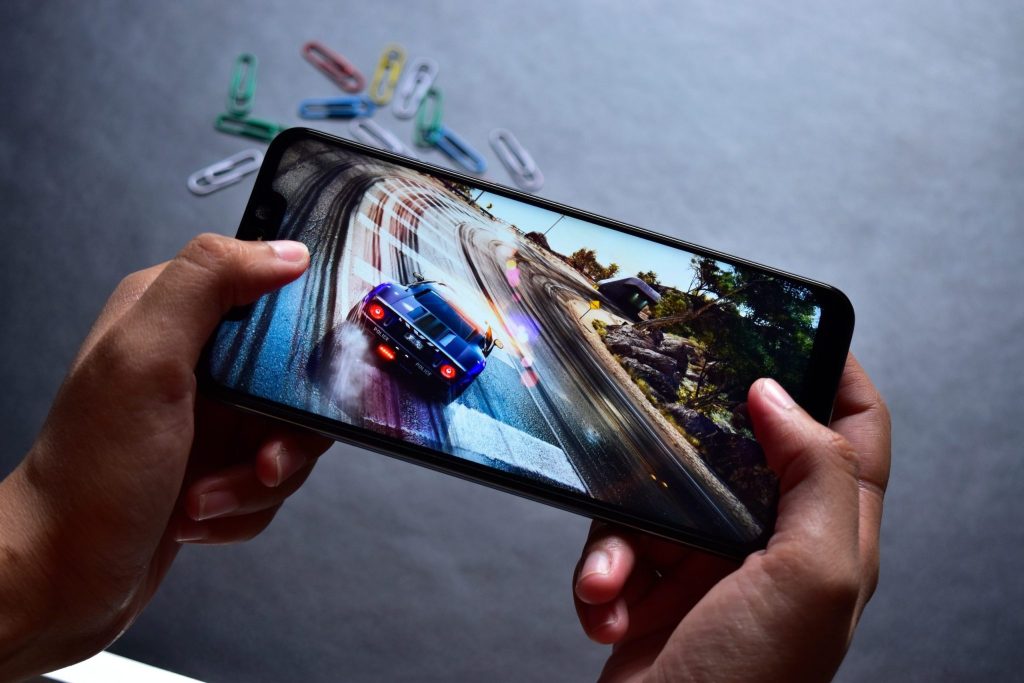
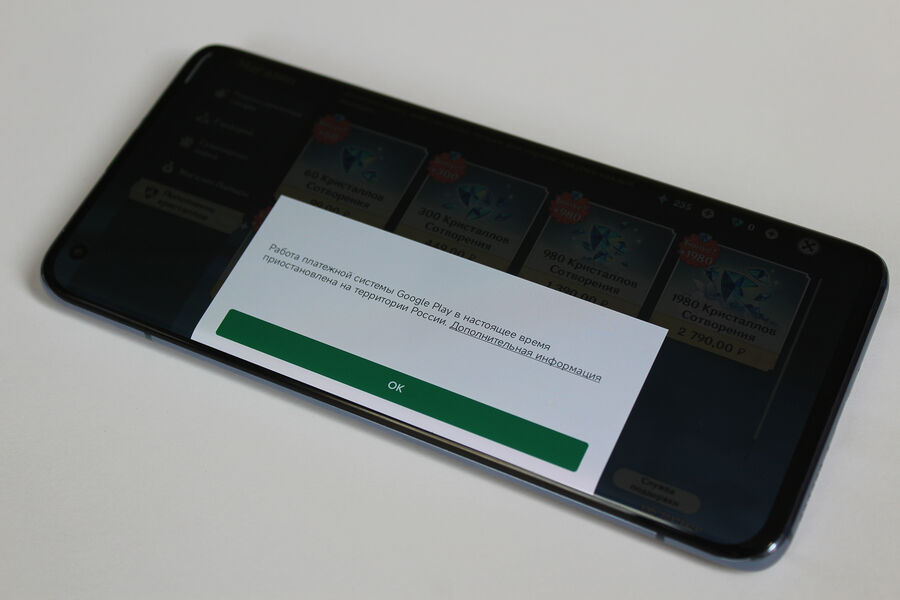
Due to the suspension of paid Google Play services in Russia, mobile gaming fans have lost the opportunity to “donate”, that is, replenish the in-game wallet. The usual and convenient payment methods for in-game purchases on Android smartphones no longer work. How to buy "gold" and "crystals" in your favorite game on a smartphone despite the restrictions - in the material "Gazeta.Ru".
Huawei AppGallery
AppGallery is an app store for Android and Harmony OS developed by Huawei. Unlike many other analogues, AppGallery also allows you to pay for in-game purchases using bank cards, electronic wallets and mobile payments.
However, only part of the functionality is available in Russia. So, Visa and Master Card cards are not linked due to restrictions from payment systems, and Mir is not supported at all.
Russian users can use e-wallets such as Qiwi , or pay for in-game purchases from their mobile phone balance. The process of linking your wallet and phone is quick and intuitive.
So, after registering an account in AppGallery, you need to go to the “Me” section, click on the profile tab, and then select a convenient option in the “Payments and purchases” section. If you need to link a Qiwi wallet, then you need to select eWallet. In the case of payment by phone - "Mobile payment".
You can buy "crystals" or "gold" in your favorite game only if it was downloaded from the AppGallery. If the game was previously installed from the Play Store, it should be removed from the device and downloaded again from the AppGallery, if it is there, of course.
For example, users can donate to Homescapes, Gardenscapes, PUBG Mobile and other projects with one click.
However, it was not without drawbacks - AppGallery has ads that meet the user every time he opens the store. In addition, most of the major projects, such as Genshin Impact, Call of Duty and others, are not available on the Huawei site, which makes the method for the above games untenable. Read More…