How to Scan Photos on iPhone
-
 Loading...
 - Chloe Bernard
- 07 Feb 2023
- 69 Views
- 0 Like
- 0 Comment
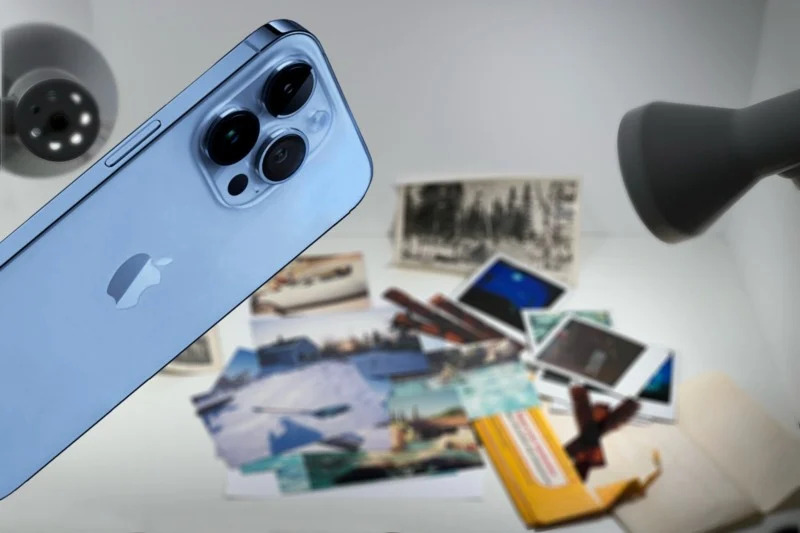
Physical photographs can be scanned with an iPhone and it’s easy to get good results with a little preparation and attention to detail. There are several apps that you can use to speed up and simplify the process, each with a different approach. The app that’s best depends on your particular needs.
In this guide, we will share the best, easiest, and most popular ways to digitize your photo prints using only your iPhone, its built-in camera, and iOS apps (many of which you already have installed).
Take Photos of Pictures
It might be tempting to just snap a handheld photo with the iPhone’s camera. It’s a super quick way to grab a digital copy at a moment’s notice. Sometimes that might be good enough but the few minutes that you save at the start of the scan often leads to a much greater loss of time spent trying to correct problems in post-processing.
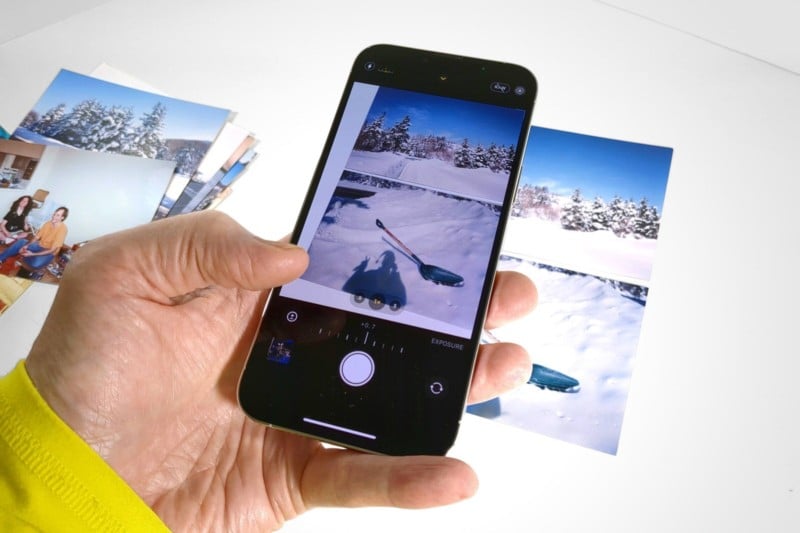
A tripod or other iPhone stand is invaluable when capturing a photo of physical prints. With the iPhone locked in place, motion blur from hand-shake is eliminated and it’s easier to align the picture and the iPhone to prevent skew. Read More…