Home Upload Photo Upload Videos Write a Blog Analytics Messaging Streaming Create Adverts Creators Program
Bebuzee Afghanistan Bebuzee Albania Bebuzee Algeria Bebuzee Andorra Bebuzee Angola Bebuzee Antigua and Barbuda Bebuzee Argentina Bebuzee Armenia Bebuzee Australia Bebuzee Austria Bebuzee Azerbaijan Bebuzee Bahamas Bebuzee Bahrain Bebuzee Bangladesh Bebuzee Barbados Bebuzee Belarus Bebuzee Belgium Bebuzee Belize Bebuzee Benin Bebuzee Bhutan Bebuzee Bolivia Bebuzee Bosnia and Herzegovina Bebuzee Botswana Bebuzee Brazil Bebuzee Brunei Bebuzee Bulgaria Bebuzee Burkina Faso Bebuzee Burundi Bebuzee Cabo Verde Bebuzee Cambodia Bebuzee Cameroon Bebuzee Canada Bebuzee Central African Republic Bebuzee Chad Bebuzee Chile Bebuzee China Bebuzee Colombia Bebuzee Comoros Bebuzee Costa Rica Bebuzee Côte d'Ivoire Bebuzee Croatia Bebuzee Cuba Bebuzee Cyprus Bebuzee Czech Republic Bebuzee Democratic Republic of the Congo Bebuzee Denmark Bebuzee Djibouti Bebuzee Dominica Bebuzee Dominican Republic Bebuzee Ecuador Bebuzee Egypt Bebuzee El Salvador Bebuzee Equatorial Guinea Bebuzee Eritrea Bebuzee Estonia Bebuzee Eswatini Bebuzee Ethiopia Bebuzee Fiji Bebuzee Finland Bebuzee France Bebuzee Gabon Bebuzee Gambia Bebuzee Georgia Bebuzee Germany Bebuzee Ghana Bebuzee Greece Bebuzee Grenada Bebuzee Guatemala Bebuzee Guinea Bebuzee Guinea-Bissau Bebuzee Guyana Bebuzee Haiti Bebuzee Honduras Bebuzee Hong Kong Bebuzee Hungary Bebuzee Iceland Bebuzee India Bebuzee Indonesia Bebuzee Iran Bebuzee Iraq Bebuzee Ireland Bebuzee Israel Bebuzee Italy Bebuzee Jamaica Bebuzee Japan Bebuzee Jordan Bebuzee Kazakhstan Bebuzee Kenya Bebuzee Kiribati Bebuzee Kuwait Bebuzee Kyrgyzstan Bebuzee Laos Bebuzee Latvia Bebuzee Lebanon Bebuzee Lesotho Bebuzee Liberia Bebuzee Libya Bebuzee Liechtenstein Bebuzee Lithuania Bebuzee Luxembourg Bebuzee Madagascar Bebuzee Malawi Bebuzee Malaysia Bebuzee Maldives Bebuzee Mali Bebuzee Malta Bebuzee Marshall Islands Bebuzee Mauritania Bebuzee Mauritius Bebuzee Mexico Bebuzee Micronesia Bebuzee Moldova Bebuzee Monaco Bebuzee Mongolia Bebuzee Montenegro Bebuzee Morocco Bebuzee Mozambique Bebuzee Myanmar Bebuzee Namibia Bebuzee Nauru Bebuzee Nepal Bebuzee Netherlands Bebuzee New Zealand Bebuzee Nicaragua Bebuzee Niger Bebuzee Nigeria Bebuzee North Korea Bebuzee North Macedonia Bebuzee Norway Bebuzee Oman Bebuzee Pakistan Bebuzee Palau Bebuzee Panama Bebuzee Papua New Guinea Bebuzee Paraguay Bebuzee Peru Bebuzee Philippines Bebuzee Poland Bebuzee Portugal Bebuzee Qatar Bebuzee Republic of the Congo Bebuzee Romania Bebuzee Russia Bebuzee Rwanda Bebuzee Saint Kitts and Nevis Bebuzee Saint Lucia Bebuzee Saint Vincent and the Grenadines Bebuzee Samoa Bebuzee San Marino Bebuzee São Tomé and Príncipe Bebuzee Saudi Arabia Bebuzee Senegal Bebuzee Serbia Bebuzee Seychelles Bebuzee Sierra Leone Bebuzee Singapore Bebuzee Slovakia Bebuzee Slovenia Bebuzee Solomon Islands Bebuzee Somalia Bebuzee South Africa Bebuzee South Korea Bebuzee South Sudan Bebuzee Spain Bebuzee Sri Lanka Bebuzee Sudan Bebuzee Suriname Bebuzee Sweden Bebuzee Switzerland Bebuzee Syria Bebuzee Taiwan Bebuzee Tajikistan Bebuzee Tanzania Bebuzee Thailand Bebuzee Timor-Leste Bebuzee Togo Bebuzee Tonga Bebuzee Trinidad and Tobago Bebuzee Tunisia Bebuzee Turkey Bebuzee Turkmenistan Bebuzee Tuvalu Bebuzee Uganda Bebuzee Ukraine Bebuzee United Arab Emirates Bebuzee United Kingdom Bebuzee Uruguay Bebuzee Uzbekistan Bebuzee Vanuatu Bebuzee Venezuela Bebuzee Vietnam Bebuzee World Wide Bebuzee Yemen Bebuzee Zambia Bebuzee Zimbabwe
Blog Image

How to set a timer on your iPhone camera

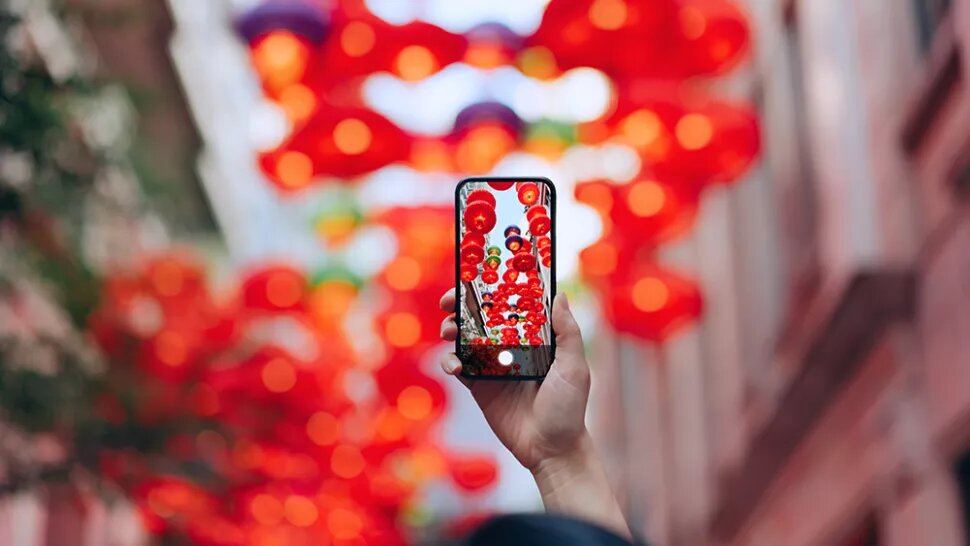
Learning how to set a timer on your iPhone camera can open up more possibilities of how you can use your phone's camera.

Self-timers have been common on cameras since the early film days. Modern cameras, including the one built into your iPhone, still offers a timer function and it can be extremely useful for various photography situations. It can open up more opportunities to use your camera and even help you take better photos in some circumstances. While older models of iPhones don’t have built-in timers, if your device has iOS 8 or newer, you should have access to this setting.

Why use a camera timer on an iPhone?

If you want to take photos of yourself that don’t have the selfie look with the arm extending out, the timer will give you time to get into position in front of the camera. Sometimes you need some time to adjust or move something into place before the shutter goes off, and if you only have one set of arms, that can be a challenge. The self-timer helps with those situations.

Group photos also represent good opportunities for self-timer photos. If you have a group gathered but no one to take the photo, the photo timer on your iPhone makes the shot possible. The longer timer options can even make photos of big groups that have to be far away from the camera possible, as you will have time to set it up and run back into place.

Beyond selfies and group photos, the timer can be helpful for other reasons. For example, if you want to use your camera in darker conditions and need it to be steady with no movement, the timer can help. That way, nothing is touching the phone to potentially cause camera shake when the shutter goes off. Tapping the screen or pushing the shutter button can introduce photo-ruining shake. It can also be helpful for using your phone to take product shots that may need either a hand model or things held into position.

How to set your phone up

No matter what you are using the timer on you iPhone camera for, there is one thing that you need to do first: Make sure to set your iPhone up in a stable, sturdy manner. You could lean it against or wedge it into something, as long as the camera isn’t obstructed and the phone won’t slide down. Of course you could avoid all of that inconvenience by simply using a tripod.

There are lots of phone-specific tripods out there, or even tripod mounts for regular tripods. Many of them do the job excellently. Some phone tripods are small and meant to be on tabletops or other surfaces. They won’t extend very high, if at all, so you’ll be stuck with the height of whatever surface you are using, plus the limited size of the tripod. Some extend to heights like standard camera tripods, which may be ideal if you need something more versatile.

How to set a timer on an iPhone camera

  1. Open the camera on your iPhone.
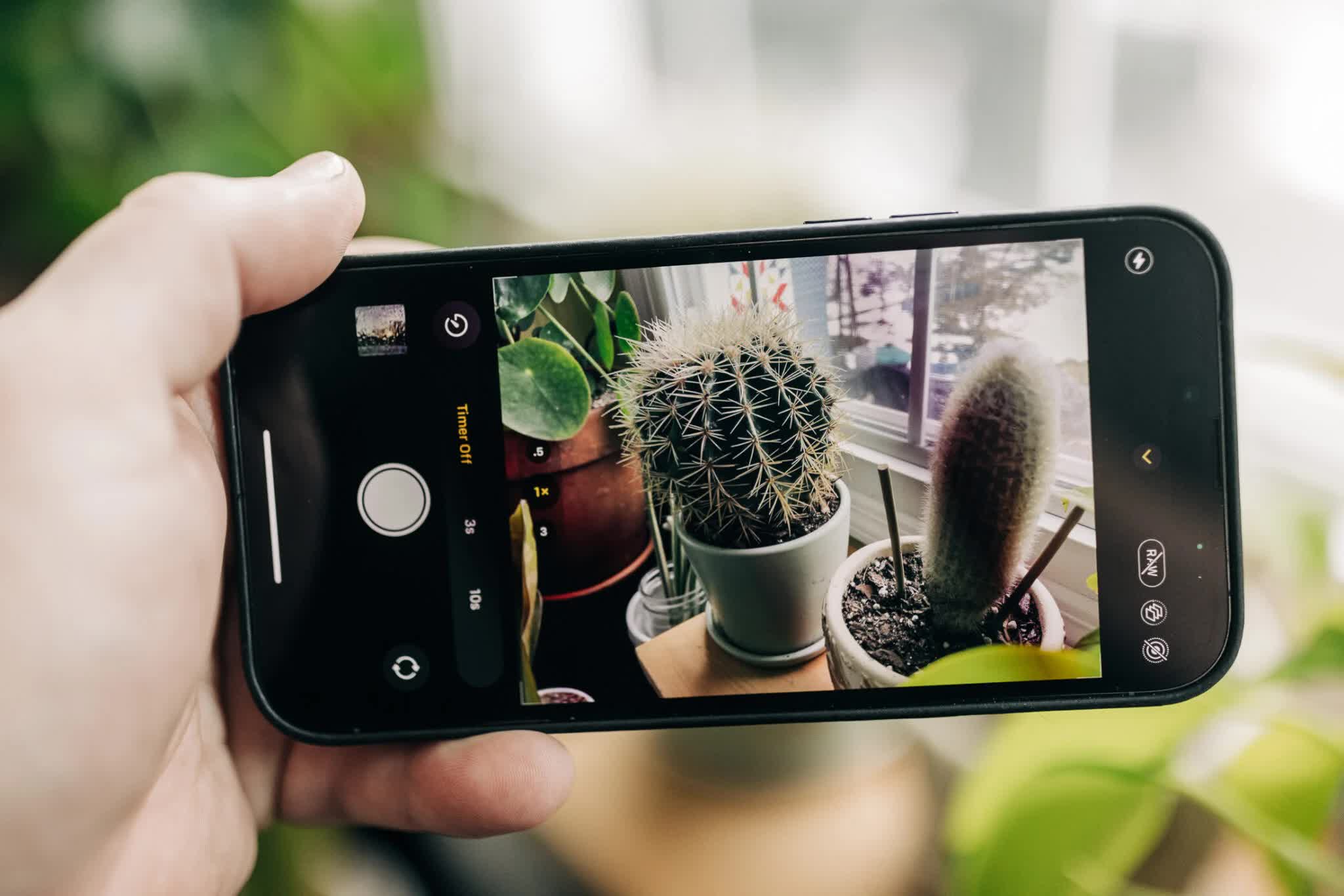
  2. Select either Photo or Portrait mode. The timer will work with only these two modes and either the front or rear-facing cameras.
  3. Tap the arrow (^) at the top of the screen, or swipe up from the camera mode menu at the bottom to access Mode Settings. On older iOS versions, this may be at the top.
  4. Tap the shutter timer icon, which looks like a stopwatch.
  5. Choose either 3 seconds or 10 seconds for the timer duration. Note: the timer will stay on until you turn it off.  Read More...

Previous Post

Preprocess Raw files with machine learning for cleaner-looking photos

Next Post

5 tips for urban fashion photography

Comments