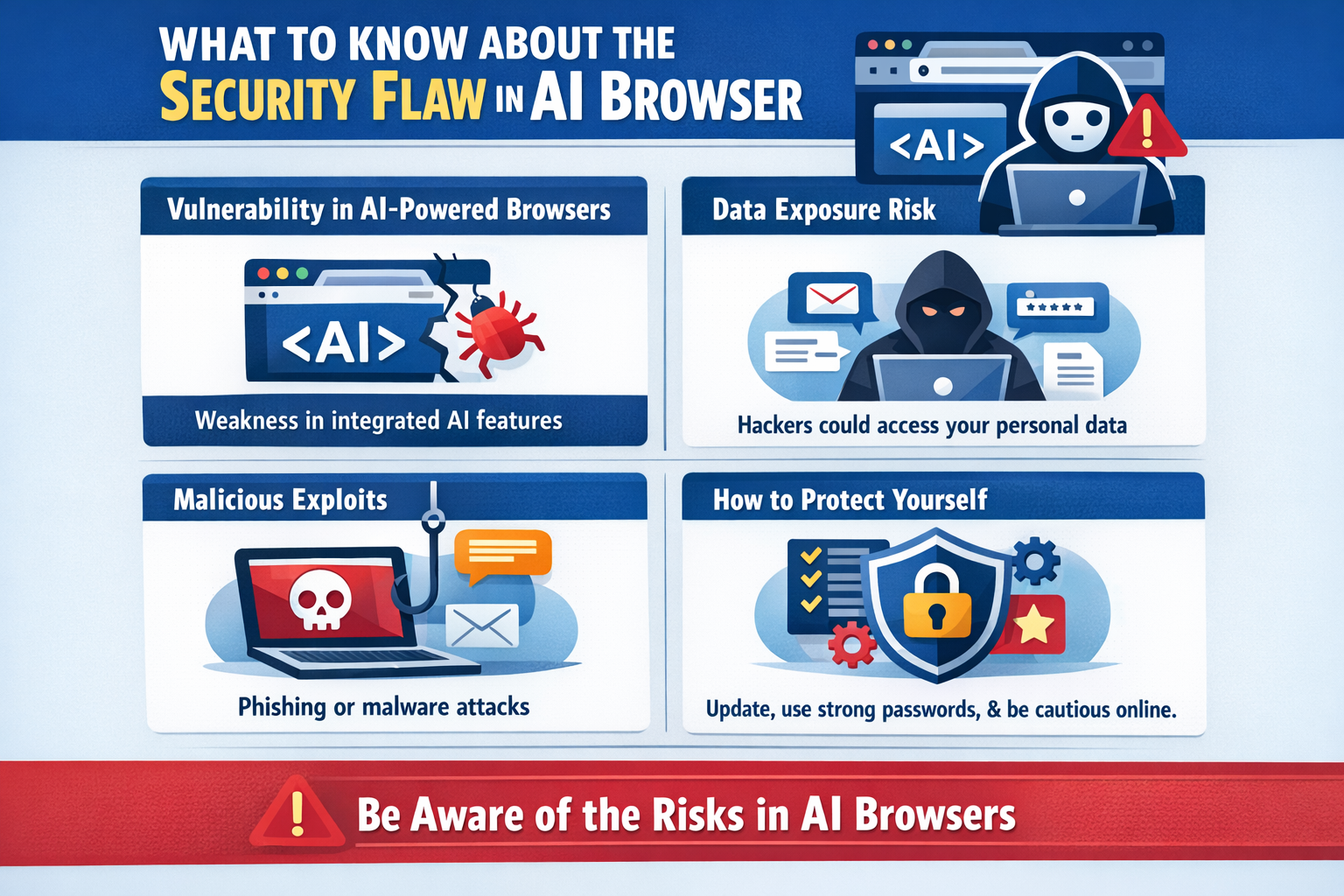
What to Know About the Security Flaw in AI Browser
-
 Loading...
 - Android APK Download
- 18 Feb 2026
- 7 Views
- 0 Like
- 0 Comment
Security flaws in AI browsers are not always obvious, but they can have serious consequences. Automation, deep access to browsing data, and cloud processing introduce new types of vulnerabilities. Understanding these risks allows users to adjust their habits and reduce exposure. AI browsers can be useful tools, but they require awareness and cautious use, especially when dealing with sensitive information.
AI browsers are designed to make browsing faster and smarter. They summarize pages, predict what you want to read, and sometimes even perform actions on your behalf. But recent discussions around security flaws in AI browsers have raised important concerns. If you use one, you should understand what these flaws mean and how they can affect you.
Why Security Flaws in AI Browsers Are Different
Traditional browser flaws often involve coding errors, outdated plugins, or weak encryption. AI browser flaws are different because they often involve automation and decision-making systems. Instead of simply breaking something, these flaws may allow attackers to influence how the AI behaves.
How AI Browsers Create New Vulnerabilities
AI browsers analyze page content deeply. They interpret text, scan links, and sometimes interact with page elements automatically. If a malicious website understands how the AI reacts to patterns, it can design content that manipulates the browser’s automated behavior.
The Core Issue Behind Many AI Browser Flaws
Most security concerns come from excessive permissions and automation without clear user confirmation. When an AI browser has access to multiple tabs, browsing history, or session data, a single exploited flaw can expose more information than expected.
Why Automation Can Be Exploited
Automation reduces user involvement. While this makes browsing efficient, it also removes manual safety checks. If the AI automatically previews content, clicks elements, or fills forms, attackers may design pages that trigger these actions intentionally.
A Situation That Explains the Risk Clearly
Imagine you go to a website to download APK. A hacker puts a secret script into the page layout that looks harmless to users but interacts with automated tools. Your AI browser scans the page to assist you, interprets certain elements as useful, and automatically interacts with them. That interaction triggers the hidden script, which quietly accesses session data from another open tab. The page appears normal, but the flaw in automation allowed data exposure.
Why These Flaws Are Hard to Detect
Security flaws in AI browsers often do not cause obvious errors. Pages still load. Downloads still work. There may be no visible warning that something unusual happened. This makes detection more difficult compared to traditional browser attacks.
Cloud Processing Adds Another Layer of Risk
Many AI browsers rely on cloud-based systems to process information. If a flaw exists in how data is transmitted or handled externally, sensitive browsing details could be exposed beyond the device itself.
Extensions Can Worsen the Problem
AI browsers combined with multiple extensions increase complexity. Each extension adds another layer where a flaw can exist. When automation interacts with extensions, unexpected vulnerabilities may appear.
Who Is Most at Risk
Users who handle financial accounts, work dashboards, or confidential data are at higher risk if they rely heavily on AI automation. Sensitive environments require predictability, not automated decision-making that can be manipulated.
What Security Experts Recommend
Experts suggest limiting AI features when visiting unfamiliar websites. Reviewing permissions regularly and disabling unnecessary automation features can significantly reduce exposure. Separating browsers for different tasks is another practical safety measure.
Are AI Browsers Still Safe to Use
AI browsers are not inherently unsafe, but they are not immune to flaws. Like all software, they evolve. Security improves over time, but new vulnerabilities may also appear. Staying informed is essential.
What Developers Need to Improve
Clear transparency about when AI takes action would improve trust. Users should be able to see logs or notifications when automated interactions occur. Better permission control and stronger isolation between tabs would also reduce risk.
Conclusion
Security flaws in AI browsers are not always obvious, but they can have serious consequences. Automation, deep access to browsing data, and cloud processing introduce new types of vulnerabilities. Understanding these risks allows users to adjust their habits and reduce exposure. AI browsers can be useful tools, but they require awareness and cautious use, especially when dealing with sensitive information.
FAQs
Are AI browser security flaws common?
They are still being researched, but concerns are growing as adoption increases.
Can automation really cause security problems?
Yes. Automated actions can be manipulated by malicious websites.
Should I stop using AI browsers completely?
Not necessarily. Limiting features and being cautious can reduce risks.
Do updates fix these security flaws?
Often, yes. Keeping your browser updated is important.
Is cloud processing a major concern?
It can be, especially if sensitive data is transmitted externally.



