5 Ways to Take Better Phone Pictures
-
 Loading...
 - Elise Michels
- 11 May 2023
- 69 Views
- 0 Like
- 0 Comment
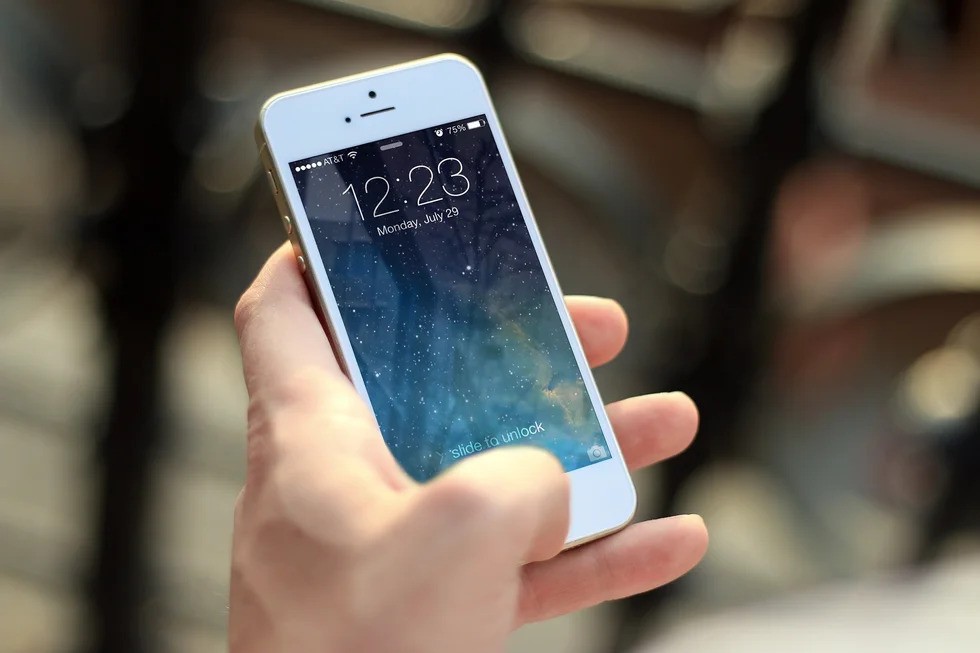
Smartphones have revolutionized the way we take pictures. Gone are the days of carrying around a bulky camera and fiddling with settings to get the perfect shot. With just a few taps on your phone screen, you can snap a picture and share it with the world.
However, taking good pictures with a phone is not always easy. Factors such as lighting, composition, and camera settings can all affect the quality of your photos. But don't worry! In this article, we will share five simple tips to help you take better phone pictures.
1. Clean Your Lens
One of the simplest but most effective ways to improve your phone photography is to clean your lens. Over time, your phone's camera lens can accumulate dirt, dust, and fingerprints, which can affect the clarity of your pictures.
To clean your phone lens, simply use a soft cloth or microfiber cloth to wipe away any smudges or dirt. If necessary, you can also use a lens cleaning solution, but be sure to apply it sparingly and avoid getting it on your phone's screen or other parts.
2. Use the Rule of Thirds
The rule of thirds is a basic principle of composition that can help you create more interesting and visually appealing photos. The rule states that you should imagine dividing your picture into thirds both horizontally and vertically, so that you end up with nine equal parts.
The idea is to position your subject or other key elements along these imaginary lines or where they intersect. This can create a sense of balance and harmony in your pictures, making them more pleasing to the eye.
3. Experiment with Lighting
Lighting is one of the most important factors in photography, and it can make or break a photo. When taking pictures with your phone, try to use natural light whenever possible, as this can produce the most flattering results.
If you're taking pictures indoors or in low light conditions, try using your phone's flash or a secondary light source, such as a lamp or candle. You can also experiment with the angle and direction of the light to create different effects and moods in your photos.
4. Adjust Camera Settings
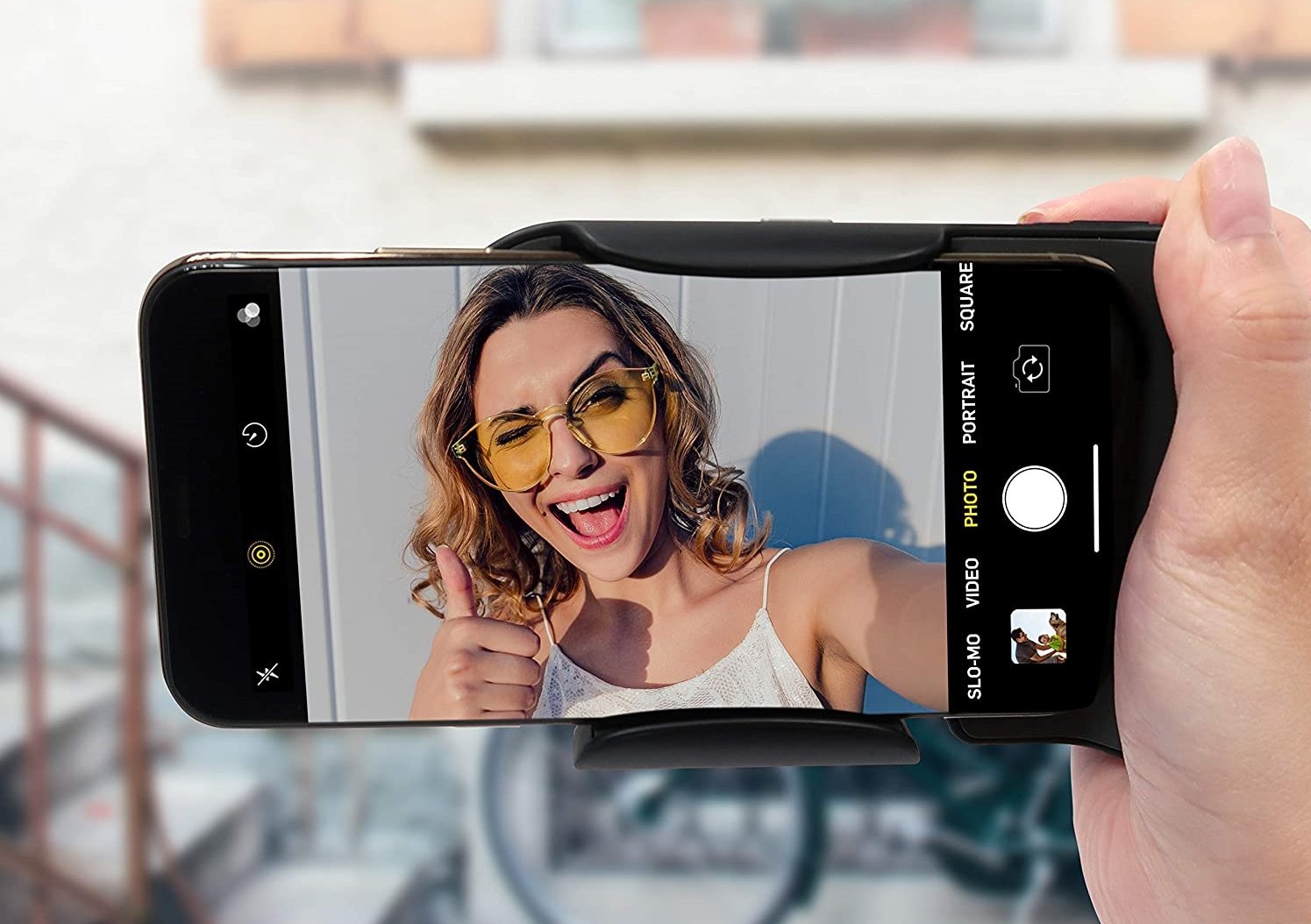
While smartphones are designed to take great pictures right out of the box, you can often get even better results by adjusting your camera settings. Most phone cameras offer a range of settings and modes that you can use to fine-tune your photos, such as exposure, white balance, and ISO.
Experimenting with these settings can help you achieve the desired effect, whether you want a bright and vibrant photo or a moody and atmospheric shot. Be sure to read your phone's manual or do some online research to learn more about the available settings and how to use them.
5. Use Editing Apps
Finally, don't be afraid to use editing apps to enhance your phone pictures even further. There are countless apps available that allow you to adjust things like brightness, contrast, saturation, and more.
Some popular editing apps include VSCO, Snapseed, and Adobe Lightroom. These apps can help you take your phone photography to the next level and produce stunning, professional-looking results.