6 Reasons Why Your Vocals Sound Distorted in GarageBand and How to Fix it
-
 Loading...
 - Vesa Jarvela
- 05 Oct 2022
- 102 Views
- 0 Like
- 0 Comment
GarageBand is one of the most user-friendly music production software to date. With just a few minutes of testing the waters, you already know the gist of it. However, even though it's easy to use, you still might run into a complication here and there, and one of the most frequent issues is vocal distortion. So how do you fix it?
Keep reading, and we'll tell you the most common reasons why your vocals are distorting and how to remedy it.
1. The Gain Is Too High on the Audio Interface
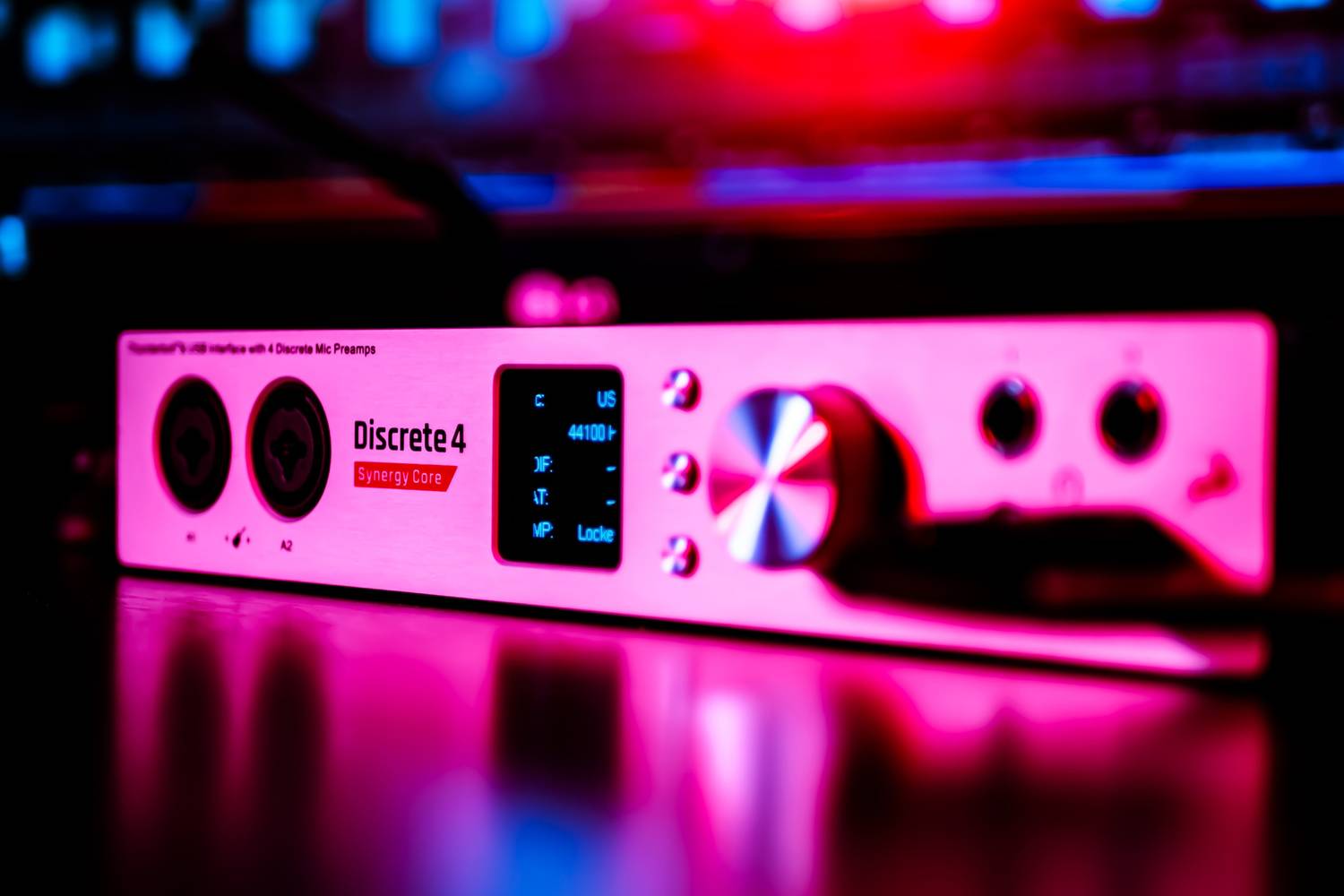
To record with external equipment on GarageBand, you need to connect an interface. Sometimes, the settings on the interface are not right for what you're trying to achieve, and the most common mistake that people make is setting the gain too high.
How to Fix the Gain
Correcting the gain is easy. Most interfaces will have a turnable knob to increase or decrease the gain, with a ring light around the knob that lights up when sound passes through. When your mic is connected, try singing or speaking into the microphone (whichever you're intending to do for the recording) and watch the ring light: does it light up green, or is it turning red?
If the light turns red, it means that the gain is set too high and too much volume is passing through the mic, distorting the sound. All you have to do is adjust the gain by turning it down slightly, but remember to do it while you're singing or speaking into the mic, so you can make sure you're getting the right volume. Once it turns green, you're good to go. Read More...