For a New School Year, Here Are the Best Drawing Tablets of 2022
-
 Loading...
 - Gracebianca Nya
- 05 Sep 2022
- 70 Views
- 0 Like
- 0 Comment
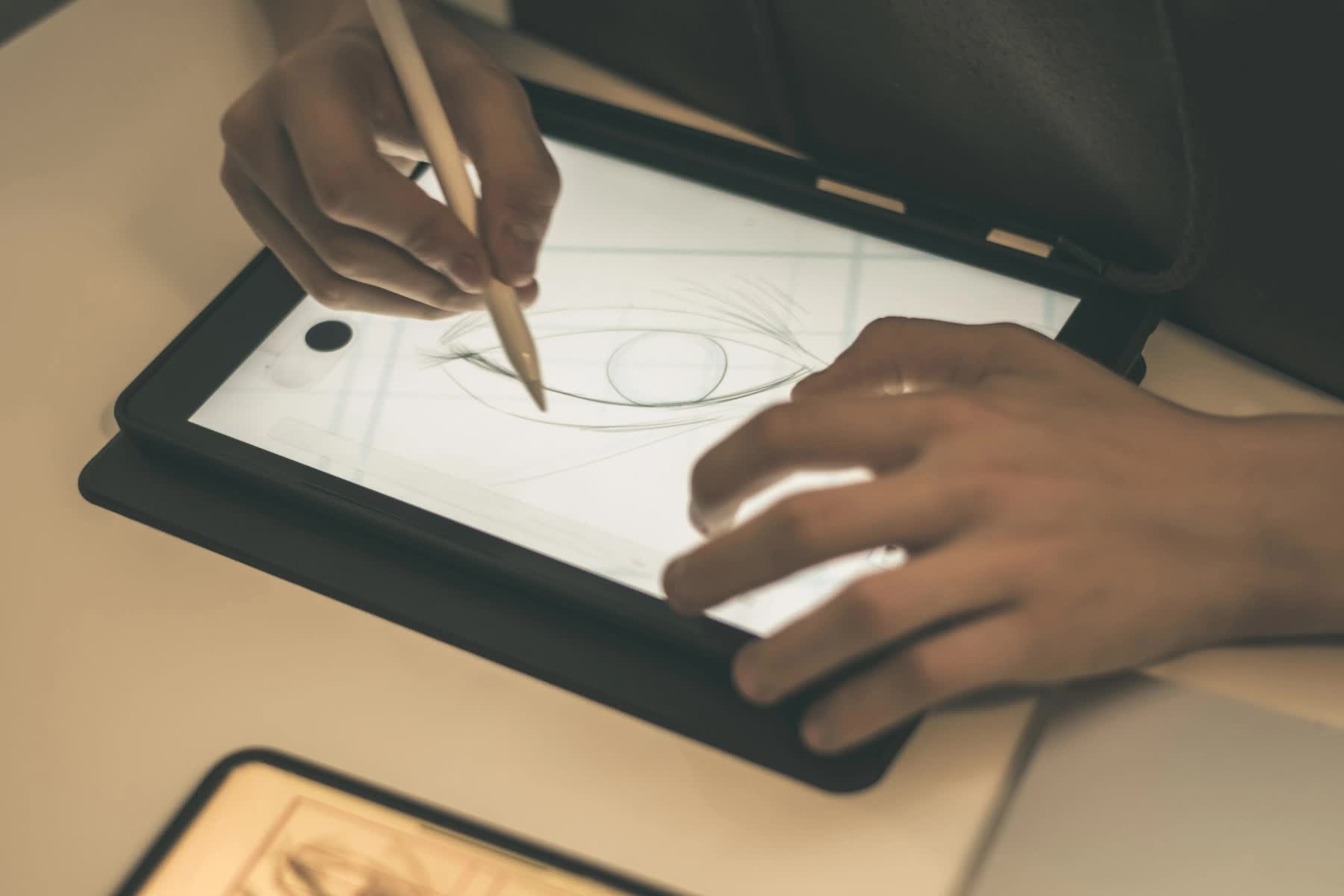
Drawing tablets—aka pen tablets or graphics tablets—allow artists to digitally draw, paint, and edit photos while having the same tactile feel of a traditional sketchpad. For the most part, drawing tablets connect to a computer either wirelessly or via a USB cable, allowing you to hand-draw on the tablet surface with an included pen-like stylus. The strokes on the tablet appear on the computer screen, simulating the way a person draws with a pencil and paper. Though drawing tablets have been around for a while, in recent years the market has been dominated by Wacom. And while the company still produces premium drawing tablets, many others now offer similar products for less. In this back-to-school guide to the best drawing tablets, we’ve picked our five favorites in a range of categories—from the best tablet overall (spoiler alert, it’s a Wacom) to the best small tablet—while keeping student budgets in mind.
1. Wacom Intuos Pro Digital Medium
When it comes to creative pen tablets, the Wacom Intuos Pro is the standard for professional digital artists as well as aspiring pros. The Intuos Pro’s reputation precedes it, and for good reason: on a connected Mac or PC, it lets you easily draw and paint digitally, as well as retouch photos. The Intuos Pro comes in three sizes—we recommend the Medium, which is compact and slim (just 8mm thick) yet still features an 8.7 x 5.8-inch active area. To use, connect the Intuos Pro to your computer with a USB cable, or wirelessly via Bluetooth; unsheathe the Wacom Pro Pen 2 from its attractive stand; then select one of several interchangeable pen tips (aka nibs) to give the pen the feel of a traditional artist’s tool. The Pro Pen 2 has 8192 levels of pressure sensitivity, with tilt response and virtually no lag. You can also modify the Intuos Pro’s workspace with customizable express keys, a touch ring, and radial menus. Meanwhile, side switches on the pen offer quick shortcuts. And the Intuos Pro’s multi-touch surface lets you easily zoom, pan, and navigate on your connected computer screen to create and edit imagery with ease.

2. XP-PEN Star03 V2
The XP-PEN Star03 V2 offers a remarkable level of performance for a remarkably low price. With a 10 x 6-inch working area and a battery-free pen that doesn’t require charging, the Star03 V2 is great for beginning digital artists or even more advanced creatives. The pen, which you can use either right- or left-handed, provides 8192 levels of pressure sensitivity to help you create variations in line width and opacity. There’s also a 60-degree tilt function, as well as a one-click toggle between pen and eraser that lets you easily clean up your work. Read More...