Google Photos tries to be less confusing about backups
-
 Loading...
 - Colin Drakos
- 25 Jan 2023
- 88 Views
- 0 Like
- 0 Comment
Clearer language, but no functional changes
Google Photos isn't the only game in town when it comes to managing your pics — there are plenty of alternatives, and many Android phones ship with their own gallery apps. But the reason most people use Google’s offering over the competition, aside from perhaps the clever image search feature, is how easy it is to back up photos and videos to the cloud and access them on any device. Right now, Google's taking some steps to double-down on that ease of use, tweaking its terminology, so you understand exactly what's going on with your backups.
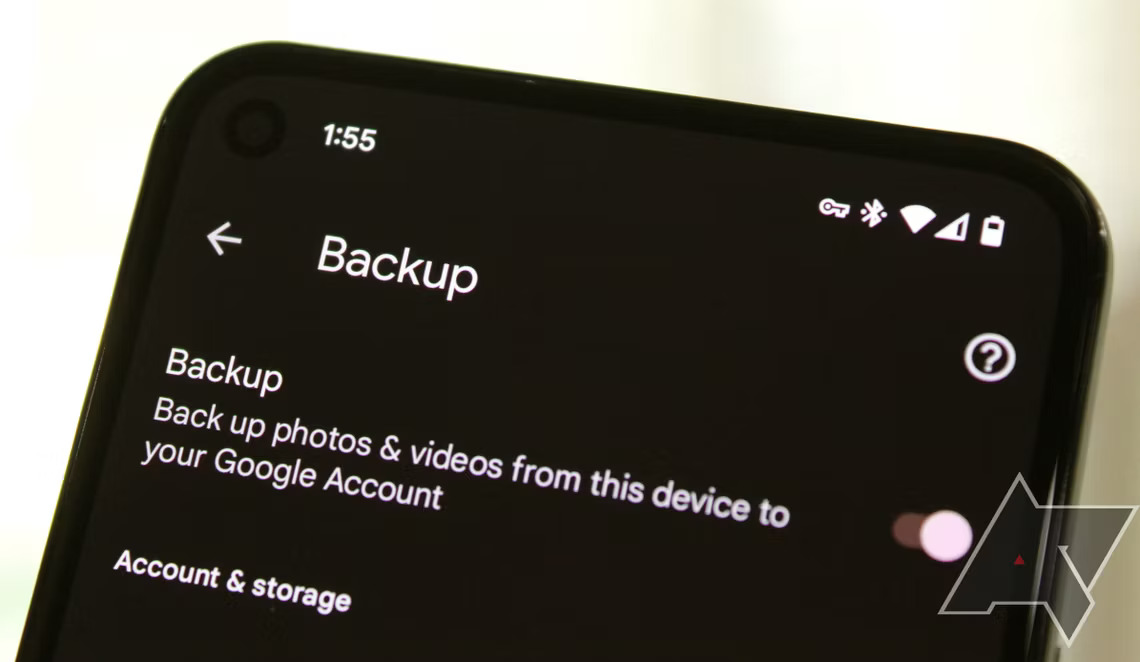
You'll find this new language in the app by opening the Photos Settings menu — right at the top, what used to say "Backup & sync" now simply reads "Backup." If you open this menu, you'll find the other change towards the bottom: the option that was previously labeled "Upload size" now displays "Backup quality" instead, and the associated submenu has had its title tweaked as well.
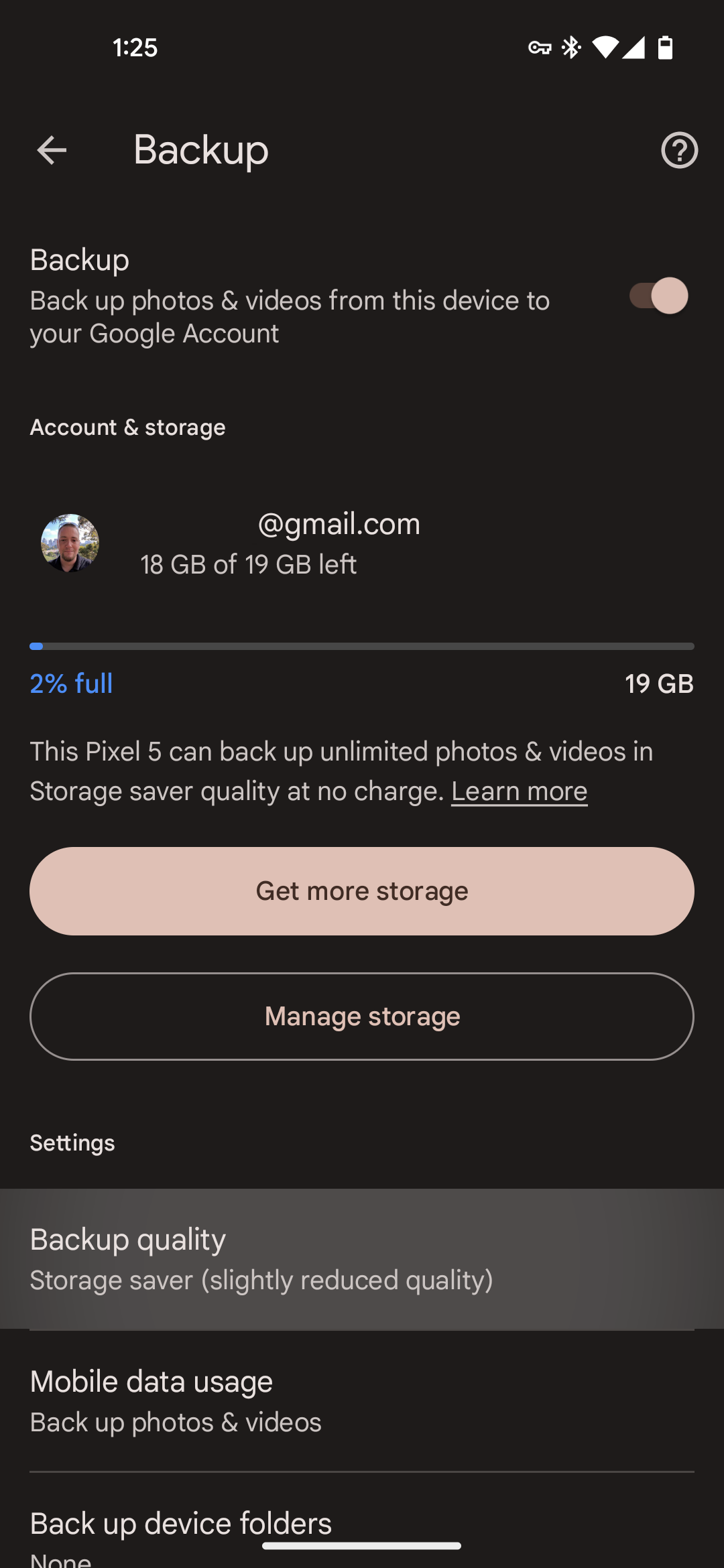
Google says it made these changes to clear up potential confusion — functionally, there is absolutely no difference between the renamed options and their older counterparts. While "sync" was indicative of the app's ability to display your photo library on other devices, it was not technically syncing the original files to any other devices, only the cloud, so removing this wording is indeed more accurate. Read More…