How to be safe on Instagram? A-Z guide about platform’s safety features
-
 Loading...
 - Sascha Esser
- 10 Feb 2023
- 66 Views
- 0 Like
- 0 Comment
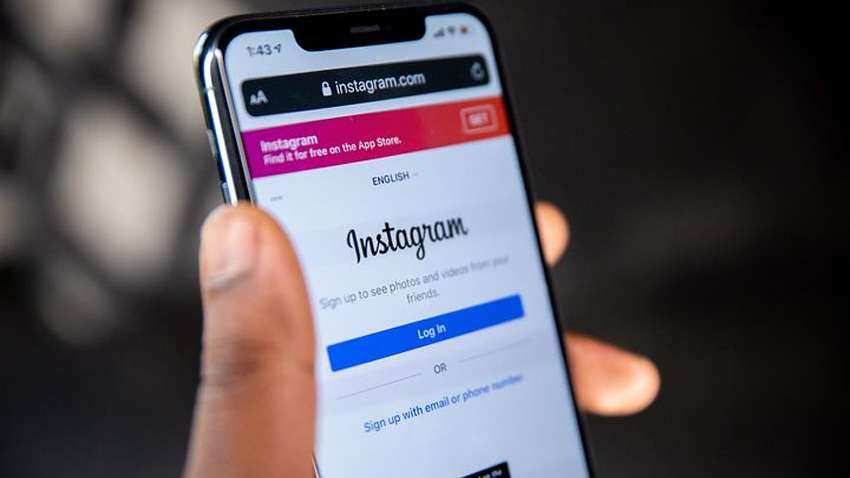
The digital age has all of us connected at the touch of our fingerprints where the world is just a swipe away. For young people, Instagram is the ultimate stage to share memories, musings and moments with friends and family and a vast global audience. For creators, it’s the stage to mark their presence, show their talent, build a community and earn a living. But the more liberated we feel sharing, concerns over cyberbullying, trolling and online safety come to the forefront.
Here are a host of features from Instagram to keep you safe on the platform. From the power to report and block negativity, to the control over who sees your digital footprint, this is an A to Z guide that will help understand and navigate the world of Instagram safely and confidently.
Account status of Instagram
Account Status is a way to find out if something you’ve posted (like comments, posts, or stories) has been removed for going against our Community Guidelines and if it may lead to your account being taken down. If your content is removed for violating Community Guidelines, you’ll be notified in the Instagram app. The removal will also be listed in Account Status, which you can check at any time. Read More…