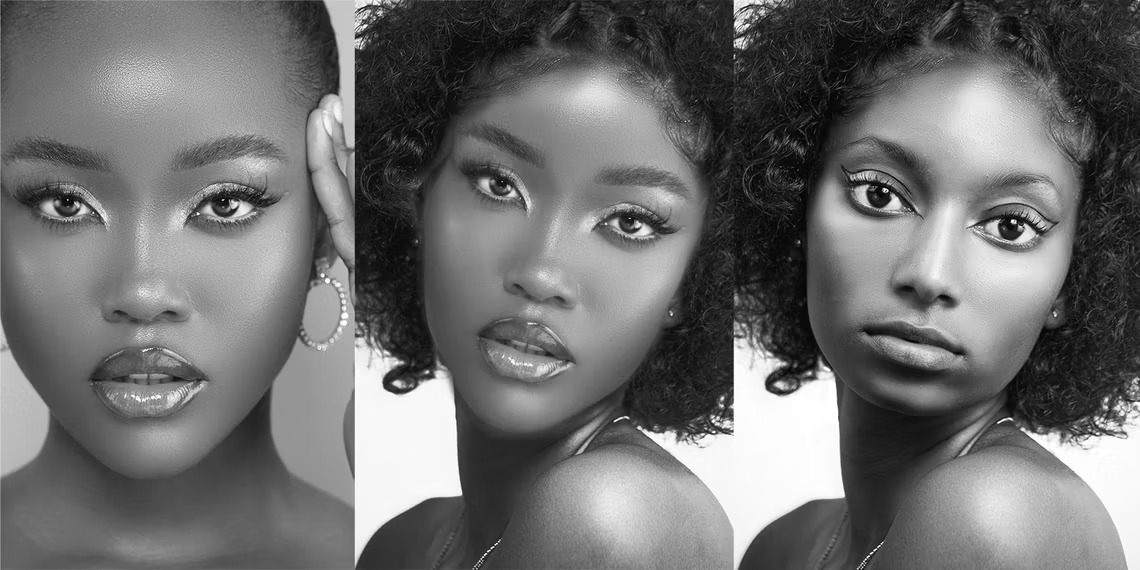
How to Do a Realistic Head Swap Using Photoshop
-
 Loading...
 - Moses Ohene
- 06 Feb 2023
- 66 Views
- 0 Like
- 0 Comment
Doing a head swap can be fun, but usually, the results aren't realistic. We'll show you how to do a believable head swap in Photoshop.
There are many examples of quick head swap tutorials out there that rarely look realistic. In this tutorial, we're going to show you a tried and true method to swap out heads in Photoshop, and the result is a believable image almost every time.
Things to Consider When Doing a Head Swap
There are three main considerations when it comes to doing head swaps in Photoshop. You'll want to carefully plan your head swap with regard to each image's lighting, body positioning and perspective, and which portions of the head and face to swap.
Lighting
First and foremost, the lighting of each image should match. The direction of the light should match as well as the light's quality, whether it's hard light with dark shadows or soft light with lighter or fewer shadows.
Perspective and Positioning
The perspective of each image must also match. The perspective from which both photos were taken (low, eye level, high, etc.) must be the same, as well as the positioning of the head.
How Much of the Head Do You Want to Swap?
The final consideration is how much of the head should be swapped to pull off the effect. For our example, we will copy the entire head of one image and swap it out. But we'll strategically choose which pixels to actually keep in order to make a believable composite. Read More…