How to Edit Photos in Photoshop
-
 Loading...
 - Nikias Pichler
- 02 May 2023
- 60 Views
- 0 Like
- 0 Comment
What you capture in a camera does not always reflect the moment you seek to express. That is where photo editing comes in. Editing images in Photoshop allows a second chance to get your images right. And that opportunity is invaluable to a photographer.
If you are becoming a photo enthusiast, you are likely to spend a great deal of time editing your photos in Photoshop. And if you seek a professional career in photography, editing is an integral part of the industry. Post-processing transforms substandard images into professional ones that are worthy of publishing.
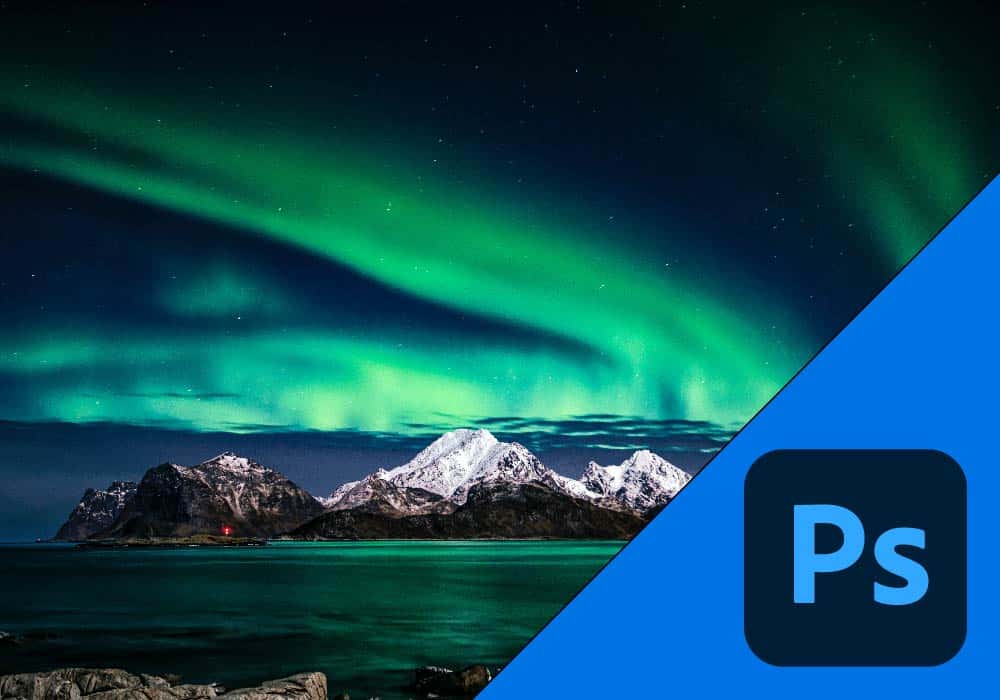
Photoshop is an excellent tool to post-process your images and make them look perfect.
Every professional photographer worth their salt post-processes their photos before publishing them. Even the best photographers in the world cannot always capture photos that look exactly as they want. Most professional photographers will edit their photos in Photoshop at some point before publishing them.
Photoshop has earned respect as the gold standard in the industry. The application uses a layer-based editing system that can be complex to learn and use. But most images need only basic editing adjustments. It is thus worth investing time into learning these excellent must-have tools.
If you want to learn how to edit photos in Photoshop, read on for these great tools and tips.
Easy Tips for Editing Photos in Photoshop
Exposure Adjustments – Brighten and Darken Images
You may struggle to get perfect exposure, even after all the necessary camera adjustments. Luckily, you can adjust exposures with several basic tools that correct this. You can find these three tools in the Adjustments panel, under the Image area of your controls: Read More..