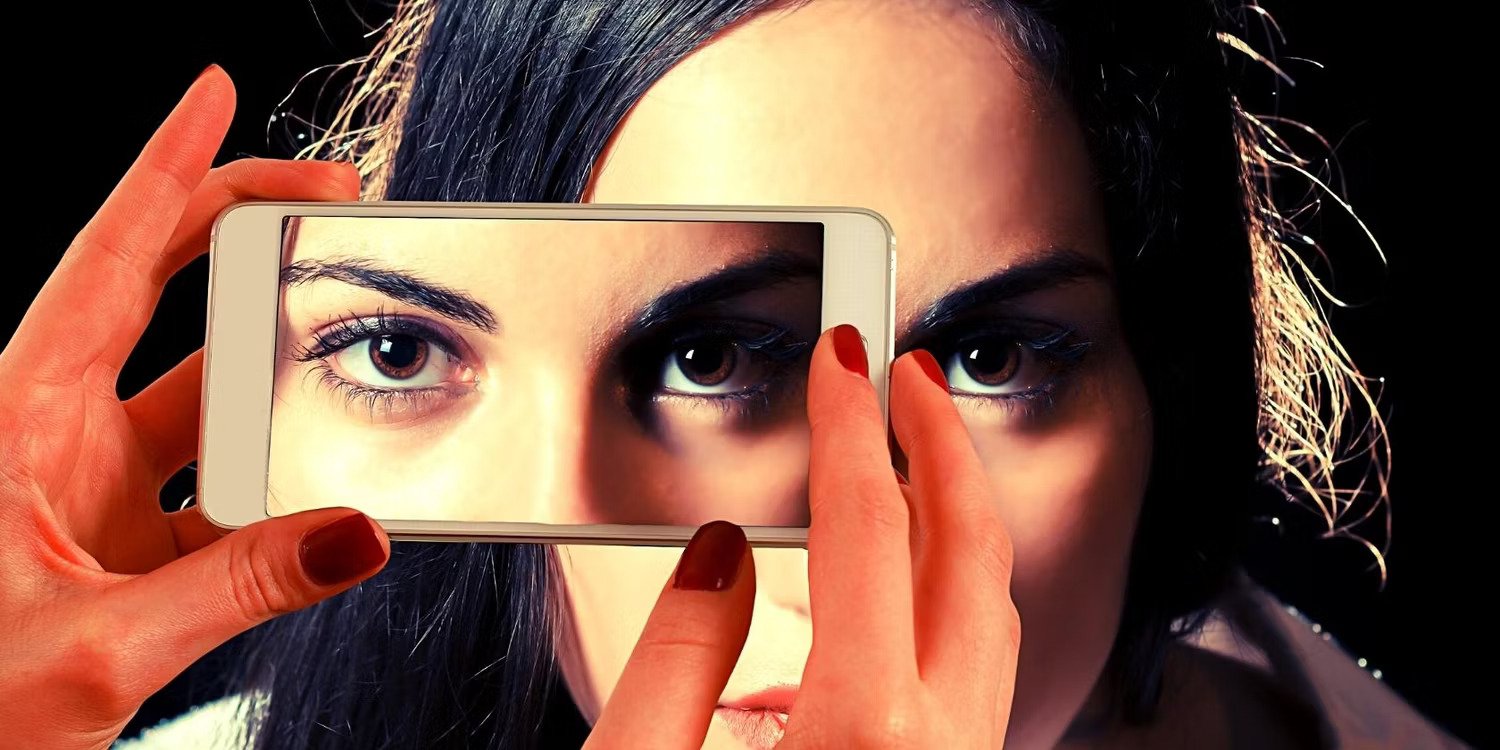
How to Improve the Quality of Your Smartphone Camera
-
 Loading...
 - Ernest Marfo
- 28 Sep 2022
- 68 Views
- 0 Like
- 0 Comment
If you’re like most people, you use your smartphone as your primary camera, and there’s no shame in that. Many smartphones these days take better photos than entry-level digital cameras from just a few years ago.
Still, there’s plenty of room for improvement regarding the picture quality coming out of your phone, especially if you plan on sharing photos with family and friends or posting them on your social media accounts.
Here are 11 ways to ensure that the photos you take using your smartphone camera turn out clean, crisp, and sharp.
1. Clean Your Lens
One of the most common causes of blurry or distorted images is taking photos using a smartphone with dirty lenses. When dust and other debris collect on the lens, it blocks some of the light entering the lens, reducing the quality of your shots.
If you don’t clean your phone’s lens regularly, your shots will suffer in terms of clarity and color accuracy. An easy way to clean your camera lens is using a dry microfiber cloth to remove any visible dust or dirt from the surface of the lens.
2. Adjust the Focus and Exposure
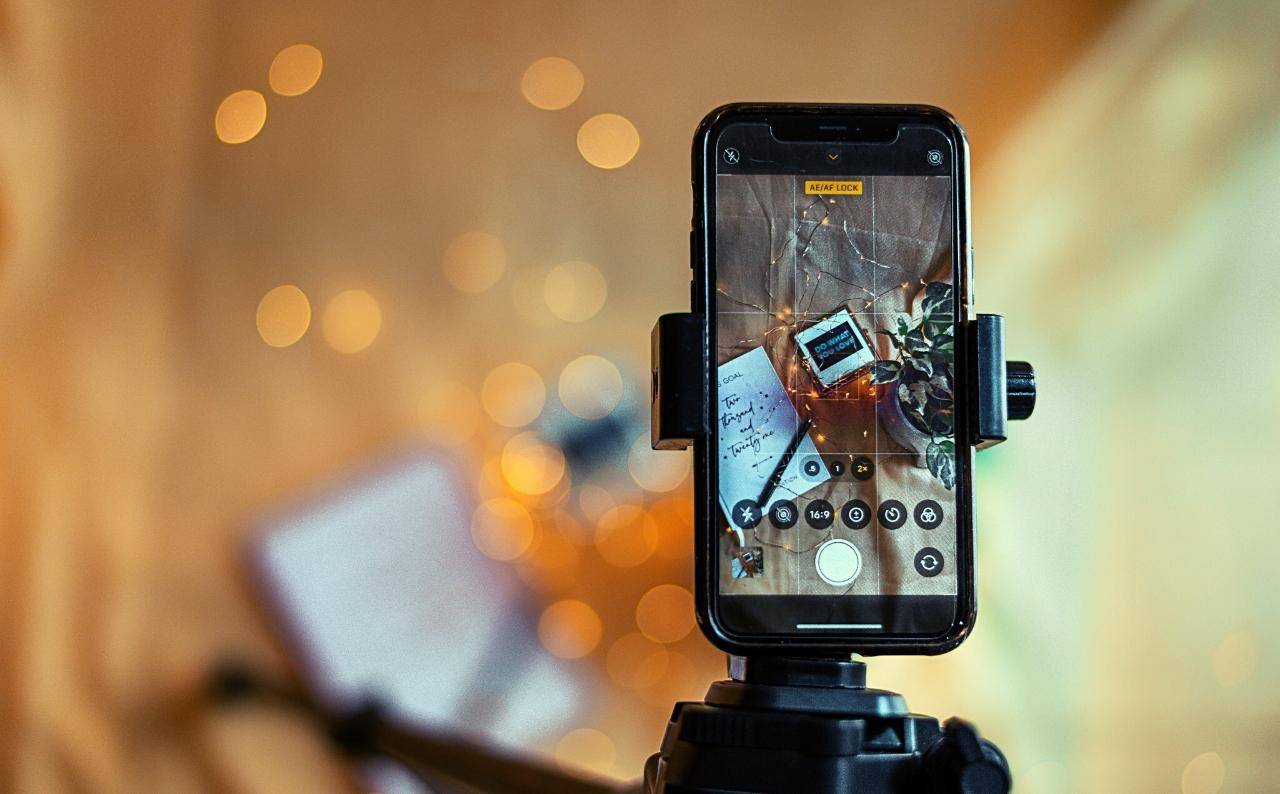
The smartphone camera has many features that allow you to adjust focus and exposure on the fly. If your camera doesn’t have these features built-in, try using a photo editing app like Snapseed, Lightroom for mobile, or Photoshop Express to make these adjustments.
The typical way to adjust focus and exposure is by using a bar or slider at the bottom of the screen. Alternatively, you can zoom in or out and tap where you want that point to be in focus. Once you’ve focused on an object, take the shot. Read More...