How to Share Your Wi-Fi Password on an Android Phone: 2 Easy Ways
-
 Loading...
 - Ibrahim Yakubu
- 06 Feb 2023
- 60 Views
- 0 Like
- 0 Comment
Need to quickly give someone your Wi-Fi password, or share it with another device? Here are two ways to do it on Android.
Often you may want to share your home Wi-Fi password with a guest, and it happens that you don't always remember the password. While you may get it right after multiple attempts, there are easier ways to share your lengthy Wi-Fi password on an Android phone.
Devices running Android 10 and newer versions feature built-in tools to share your network information with other devices. You can share the Wi-Fi password using a QR code or Nearby Share. Here we show you how.
1. Create a QR Code to Share Your Wi-Fi Password
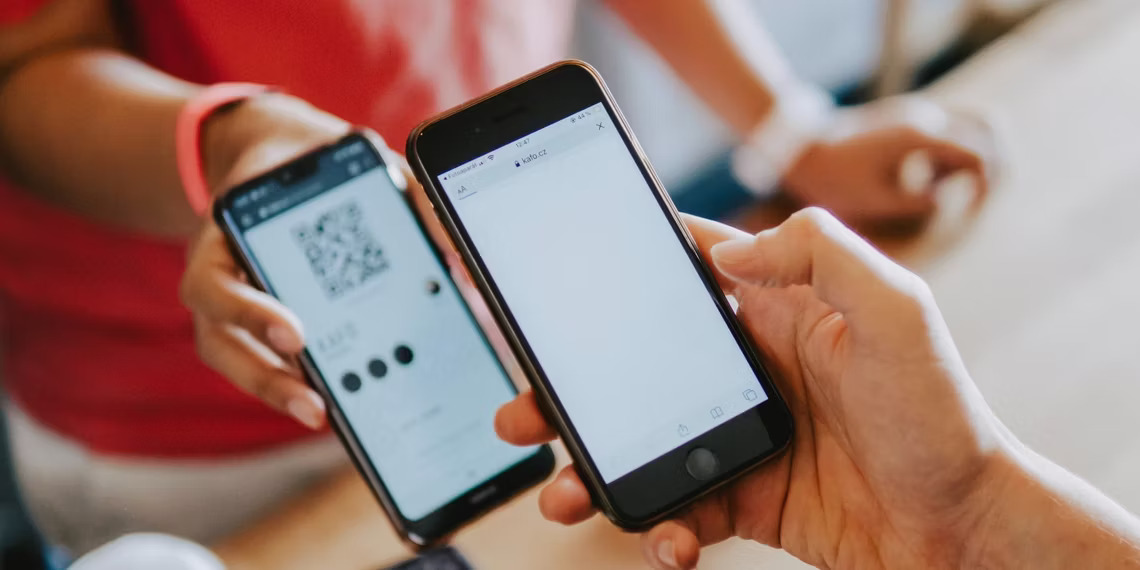
You can create a QR code to share network details with other devices without entering the password. Note that QR code sharing does not hide your password but only eliminates the need to remember the password or manually enter the details on another device.
To create a network share QR code:
- Open the App drawer and tap on Settings. Alternatively, swipe down to view the Quick Settings panel and tap on Settings.
- Tap on Connection to view your connectivity options.
- Select Wi-Fi. Read More…