How to Take Pro Photos with Your iPhone
-
 Loading...
 - Gie Foster
- 07 Apr 2025
- 23 Views
- 0 Like
- 0 Comment
Taking professional-quality photos with your iPhone is entirely possible with the right techniques and settings. Here are some tips to help you elevate your photography skills and capture stunning images:
1. Understand Your Camera Settings
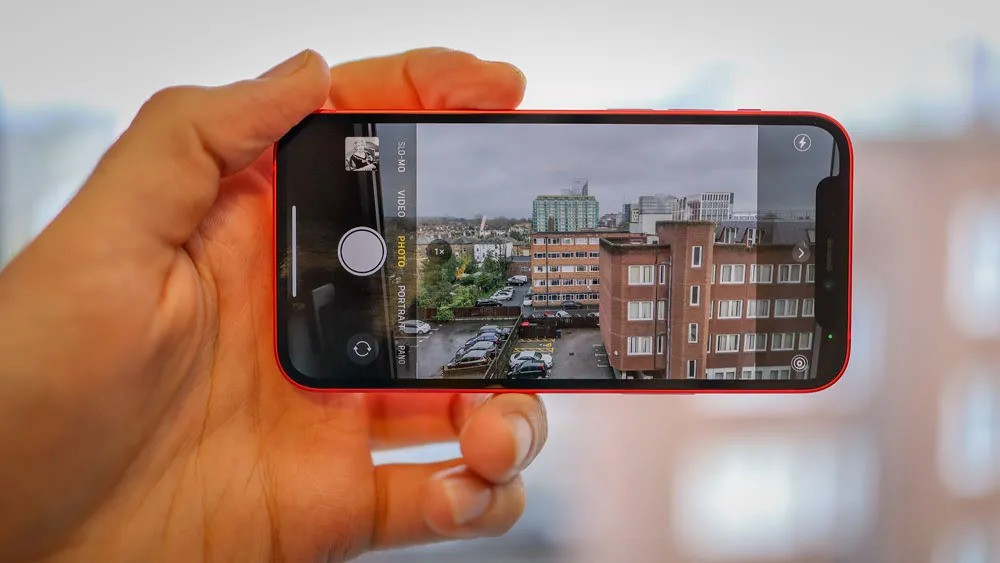
- Use the Right Mode: Familiarize yourself with the different camera modes available on your iPhone, such as Portrait, Night, and Panorama. Each mode is designed for specific scenarios.
- Adjust Exposure and Focus: Tap on the screen to focus on your subject. You can also slide your finger up or down to adjust the exposure manually.
2. Utilize Natural Light
- Golden Hour: Shoot during the golden hour (shortly after sunrise or before sunset) for soft, warm lighting that enhances your photos.
- Avoid Harsh Light: Midday sun can create harsh shadows. If you must shoot during this time, look for shaded areas or use diffusers to soften the light.
3. Composition Techniques
- Rule of Thirds: Enable the grid feature in your camera settings to help you compose your shots using the rule of thirds. Place your subject along the grid lines or at their intersections for a balanced composition.
- Leading Lines: Use natural lines in your environment (like roads, paths, or fences) to lead the viewer’s eye toward your subject.
- Framing: Use elements in your environment to frame your subject, such as archways, branches, or windows, to add depth to your photos.
4. Experiment with Angles and Perspectives
- Change Your Perspective: Don’t just shoot from eye level. Try different angles—get low to the ground, shoot from above, or tilt your camera for a dynamic composition.
- Use Negative Space: Incorporate negative space (empty areas around your subject) to create a minimalist look and draw attention to your main subject.
5. Edit Your Photos
- Use Editing Apps: Take advantage of photo editing apps like Adobe Lightroom, Snapseed, or VSCO to enhance your images. Adjust brightness, contrast, saturation, and sharpness to achieve the desired look.
- Filters and Presets: Experiment with filters and presets, but use them sparingly to maintain a natural look. Customizing your edits can help create a consistent style.
6. Utilize the iPhone’s Features
- Portrait Mode: Use Portrait mode for stunning depth-of-field effects, which blurs the background and highlights your subject.
- Night Mode: Take advantage of Night mode for low-light photography. Hold your phone steady or use a tripod for the best results.
- Live Photos: Capture Live Photos to add a dynamic element to your images. You can select a frame from the Live Photo to use as a still image.
7. Keep Your Lens Clean
- Clean the Lens: A dirty lens can lead to blurry or hazy photos. Regularly clean your iPhone’s camera lens with a microfiber cloth to ensure clarity.
8. Use a Tripod or Stabilizer
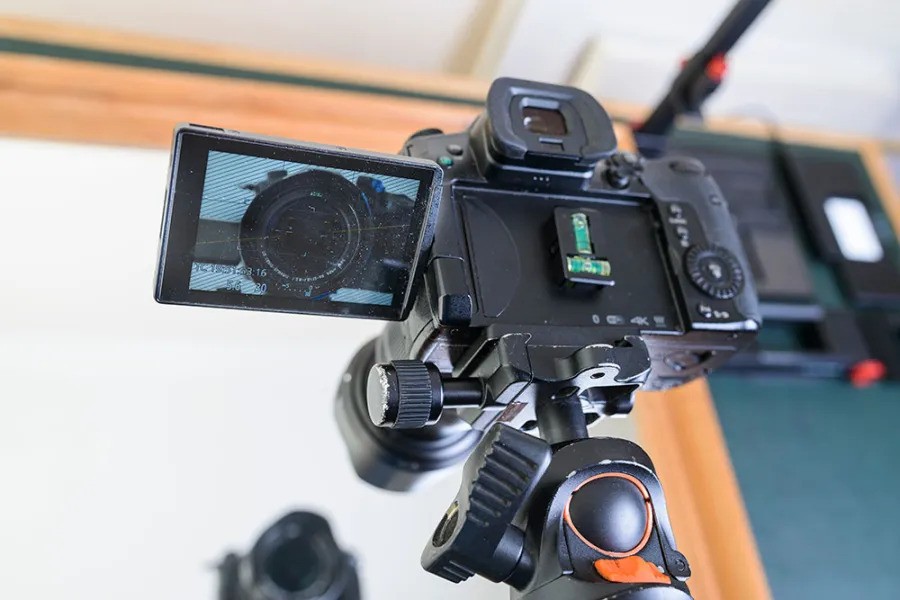
- Stability: For long exposures or low-light shots, use a tripod or stabilizer to prevent camera shake. This will help you achieve sharper images.
9. Practice and Experiment
- Take Lots of Photos: The more you practice, the better you’ll become. Experiment with different subjects, lighting conditions, and compositions.
- Learn from Others: Follow professional photographers on social media, study their techniques, and try to replicate their styles to improve your skills.
10. Share Your Work
- Social Media: Share your photos on platforms like Instagram or photography communities to receive feedback and connect with other photographers.
- Create a Portfolio: Consider creating a portfolio of your best work to showcase your skills and track your progress over time.
With these tips and techniques, you can take stunning, professional-quality photos using your iPhone. Remember that practice is key, so keep experimenting with different settings, compositions, and editing styles to develop your unique photographic voice.