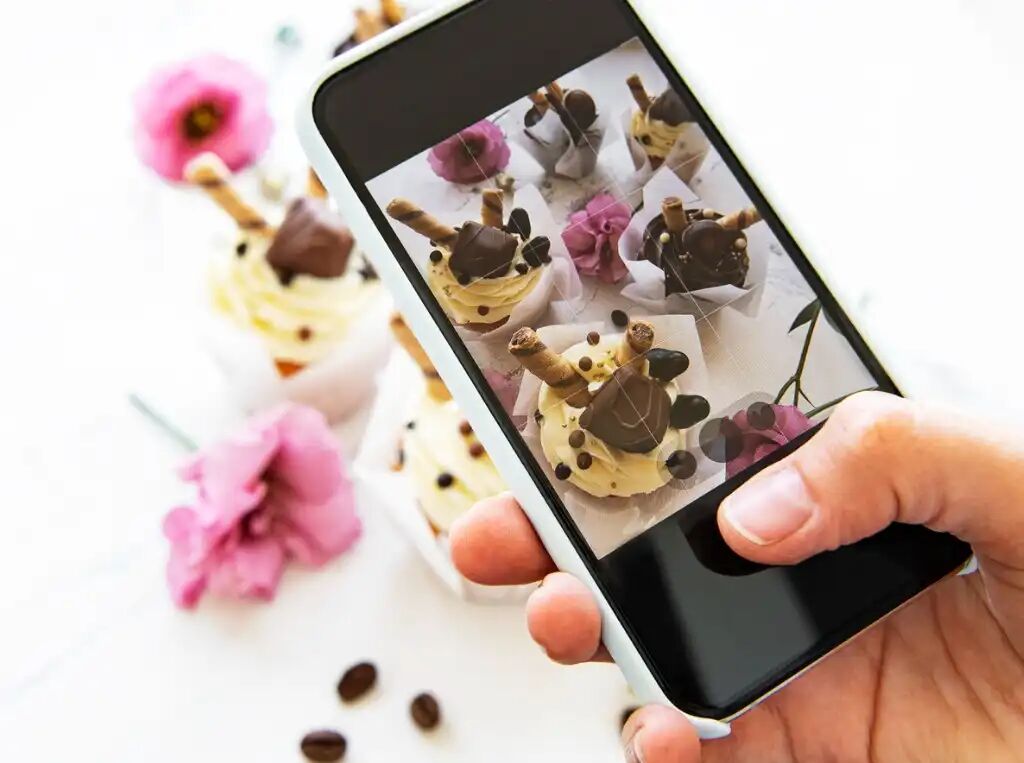
iPhone Food Photography Tips for 2022
-
 Loading...
 - Madison Pearce
- 28 Apr 2022
- 353 Views
- 0 Like
- 0 Comment
Even professional food photographers harness the power and flexibility of using their iPhones to take images for paying clients.
But, as we all know, the quality of an image has much more to do with your skills than it does with the camera you use.
That being the case, let’s discuss a few crucial iPhone food photography tips that will help you build the skills you need to capture the highest-quality images.
What Gear Do I Need for iPhone Food Photography?

A while back, I wrote a detailed food photography gear guide that outlines the different items that are useful for capturing the best photos of food.
In that article, I specifically highlighted the need for:
· A camera
· Various lenses
· Good lighting
· Food photography backdrops
· A tripod
· Props
Basically, the same gear list applied for iPhone food photography, perhaps with the exception of different lenses.
However, since newer iPhones have two or three lenses built-in, the advice would be to use the different lenses according to your creative needs. More on that in a bit.
For now, I want to focus on one particular type of food photography gear - backdrops.
Basically, the same gear list applied for iPhone food photography, perhaps with the exception of different lenses.
However, since newer iPhones have two or three lenses built-in, the advice would be to use the different lenses according to your creative needs. More on that in a bit.
For now, I want to focus on one particular type of food photography gear - backdrops.
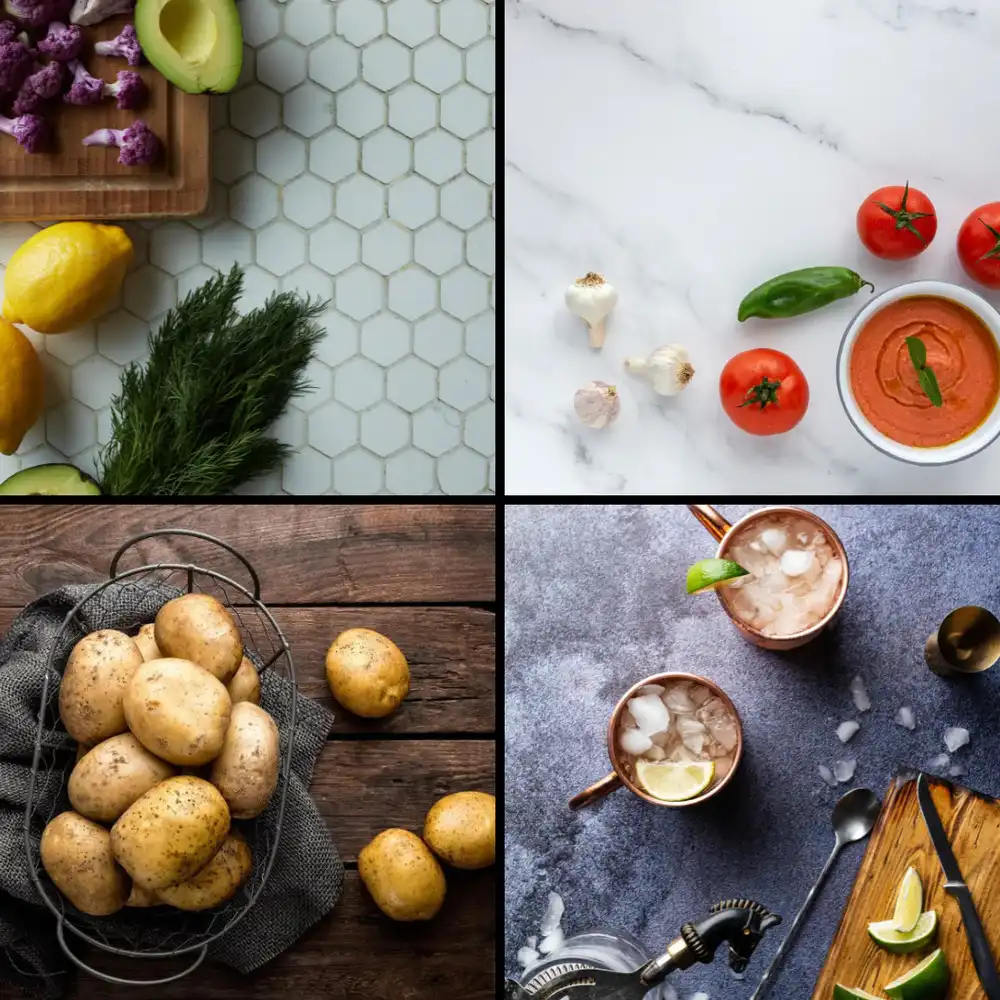
When you focus on iPhone food photography, one of the advantages is that you can work quickly and be highly mobile. You don’t want your food photography gear to get in the way of that.
That’s why the new 24x24 backdrops from Best Ever Backdrops are the perfect addition to your iPhone food photography kit.
These backdrops are 100 percent waterproof and completely stain-resistant, so you can take photos of any kind of food without worry that it will damage your backdrops.

What’s more, these backdrops are two-sided - one texture on the front and a different texture on the back. So not only do you reap the benefits of its small size, but you also get double the backdrop!
This is an ideal feature because you can get more variety in your shots without having to invest in so many backdrops.
Heck, you can get two sets (four different textures) and have plenty of options for food photography backgrounds while maintaining a streamlined kit.
And since each backdrop weighs less than one pound, you don’t have to worry about being weighed down by a lot of gear. Like I said, these backdrops are perfect for iPhone food photography!
Use All the Lenses on Your iPhone

In most situations, you’ll probably find that the wide lens is the best option for iPhone food photography.
However, just because it is likely to be the best option most of the time doesn’t mean that you shouldn’t try the other lenses on your phone.
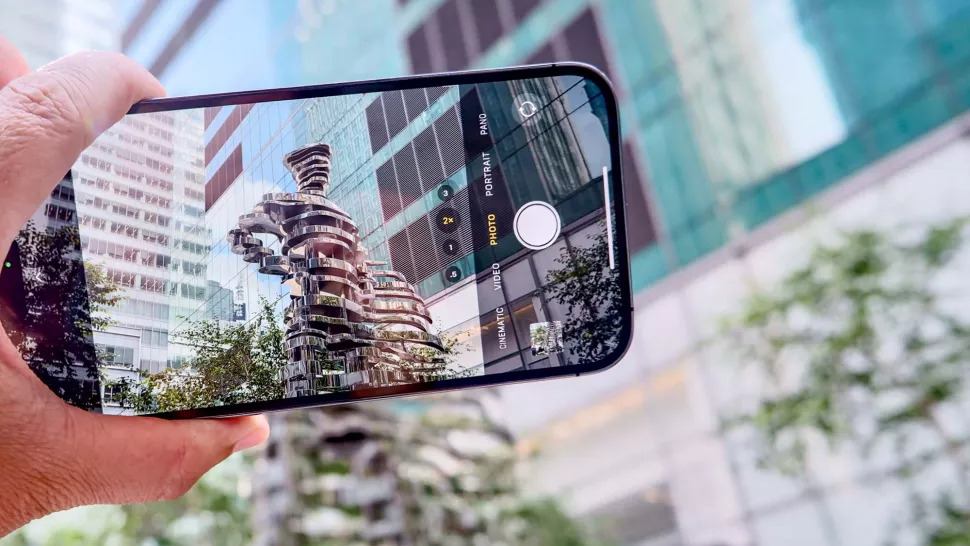
If you have an iPhone model with two lenses, you also have the use of an ultra-wide lens. If you have a model with three lenses, you get a telephoto lens as well.
Each lens has its uses…

The ultra-wide lens might be a good choice for images of large spreads. The wide lens might be your best bet for “typical” food images like the one above that highlights a single dish. The telephoto lens might be the best choice for detailed shots.
This is just a rough guide, of course. Experimentation is key! You might find that the ultra-wide lens is too distorted for capturing the best images. You might also not like the noise introduced with the telephoto lens.
Fortunately, experimenting with your iPhone is easy to do - no switching out lenses, just a couple of taps on the screen! Read More…