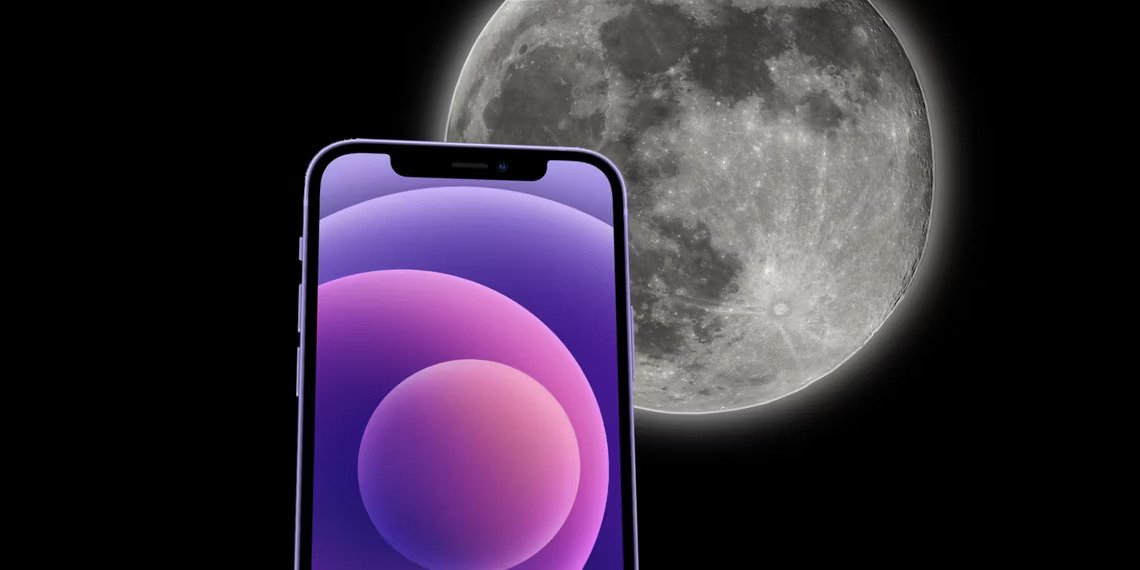
How to Take a Picture of the Moon With an iPhone
-
 Loading...
 - Insyirah Goh
- 07 Apr 2023
- 125 Views
- 0 Like
- 0 Comment
The iPhone Pro models don't offer enough optical zoom to capture a clear shot of the Moon, but with a few tips, a share-worthy picture is possible.
Apple makes taking a photo of the Moon with an iPhone quite easy, but snapping a picture of that distant heavenly body worthy of sharing may be more of a challenge. Of course, far away objects are always hard to capture with great detail, but the Moon is particularly difficult since it is such a bright subject against a black background. However, a few tips might help iPhone users make the most of the opportunity.
The iPhone 14 Pro models are most likely to capture a good photograph of the Moon, since they have a dedicated telephoto camera. However, there are some useful tips that apply to any iPhone. In general, optical zoom will provide the most detail and allow for the closest photo possible of the Moon. So far, Apple hasn’t done any computational photography magic with digital zoom, so setting the camera to maximum optical zoom and then cropping the photo afterward will allow the most freedom when choosing how close to get.
iPhone Camera Settings & Other Apps
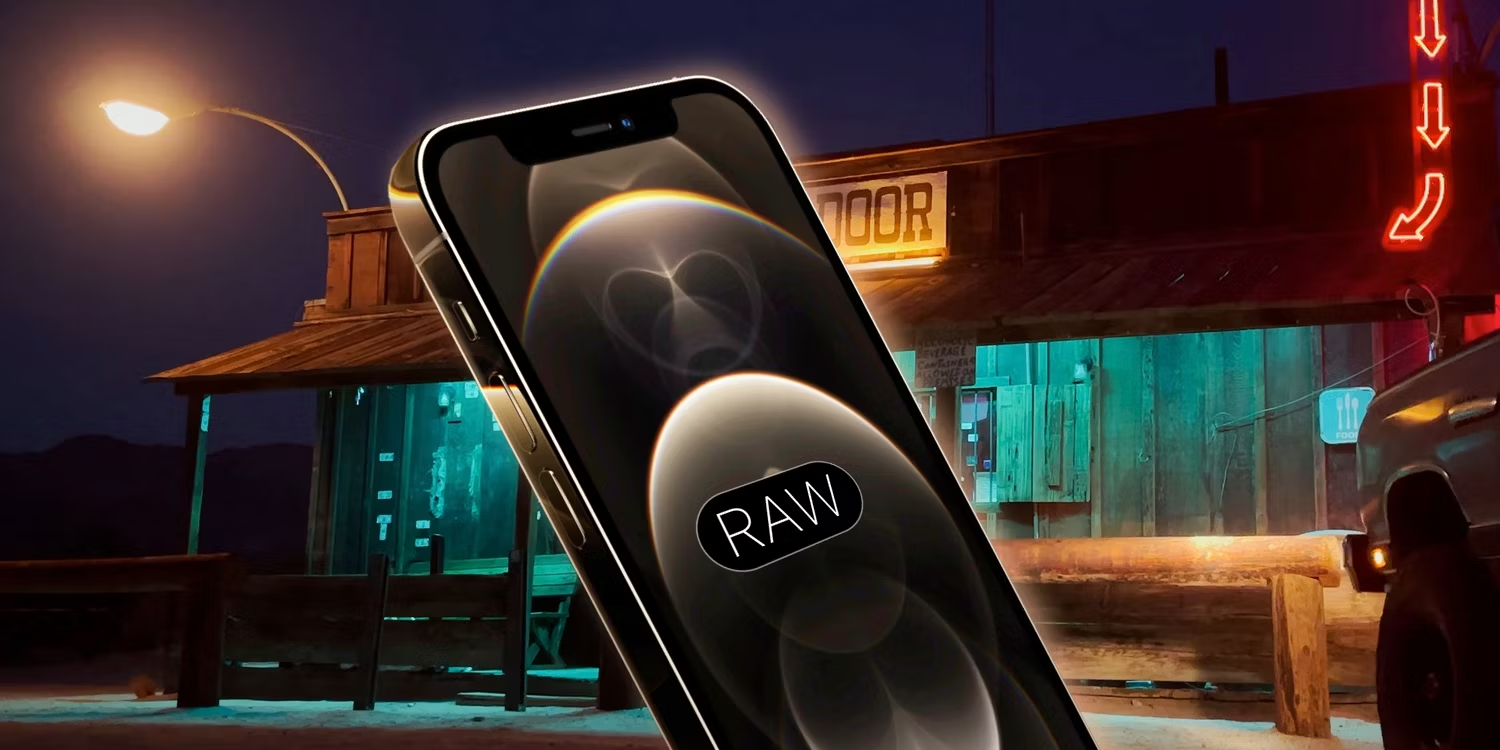
If there are foreground details that are interesting, try some photos with the main camera also, since clouds and trees add interesting contrast. There are third-party lens accessories that can snap onto an iPhone to give it additional zoom, but quality lenses can be quite expensive and still won't compete with a super-zoom point and shoot or a DSLR with a long lens.
Apple’s camera app does an amazing job of snapping beautiful pictures with little required of the user, but for difficult subjects, such as the Moon, taking control can make a big difference in the quality of the final photo. Touching and holding the Moon on the iPhone screen will lock the focus and set the exposure for this bright object rather than the surrounding darkness. Read More…