Mobile Photography Tips and Tricks

Snap amazing pictures on the go
Camera technology continues to evolve with each new smartphone release. Learn how to take great pictures on your smartphone by following these tips.
Take Advantage of Natural Light
It's all about the light.
It's what helps make a good image a great image. Check out the shadows that the sun makes on subjects. Notice the reflective light off buildings. Practice during the 'golden hour,' the period shortly after sunrise or just before sunset. Watch how the light from a window falls inside a room at different moments.
A smartphone is not always the greatest in low-light situations. It's best to capitalize on lighting conditions under which your device best functions.
Don't Rely on Zoom
Be careful when using the zoom feature on your smartphone. Often the images come out grainy or hazy. Move closer to the object if you can. If that's not possible, use your camera's built-in editing features or a mobile app to spruce up the shot.
Stabilize Your Shots
Camera shake when taking pictures is a factor on all cameras. The key to fixing this is to practice how you hold your phone.
:max_bytes(150000):strip_icc():format(webp)/blurred_Ekely_Eplus_Getty-5a135f54e258f8003b705c0c.jpg)
- Hold it horizontally at all times instead of vertically to get a wider image.
- Try burst mode when snapping pictures of moving objects.
- Know what you will use for the shutter (the button assigned, a software shutter button, a timer, or the volume on your headphones). The idea is to get to where you take clear images with no camera shake.
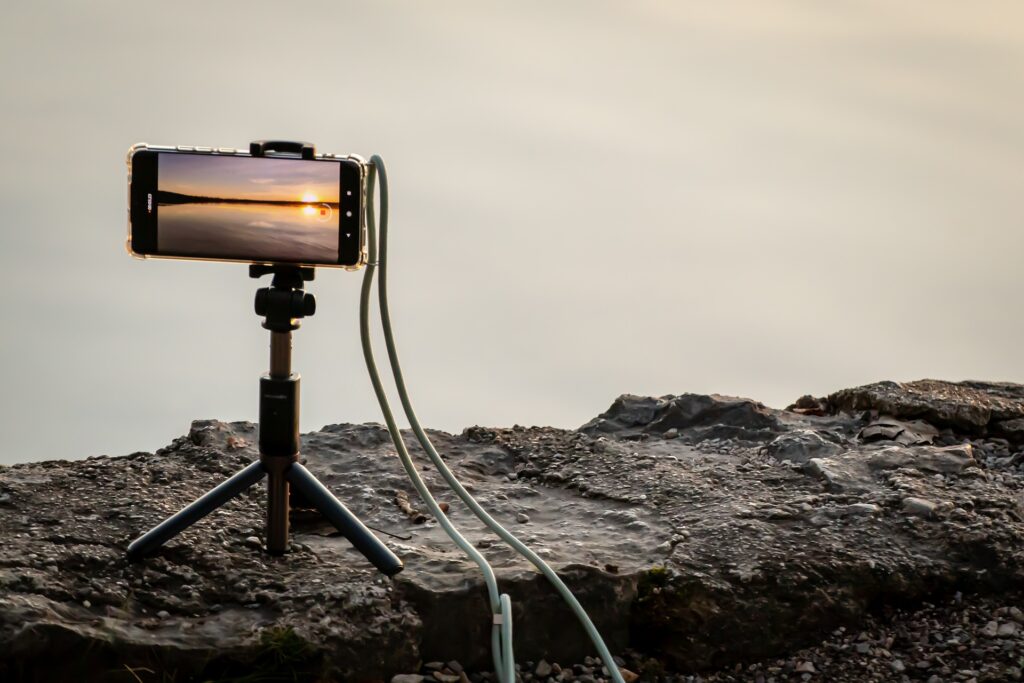
- Use a tripod for stability. This frees you up to focus on better pictures.