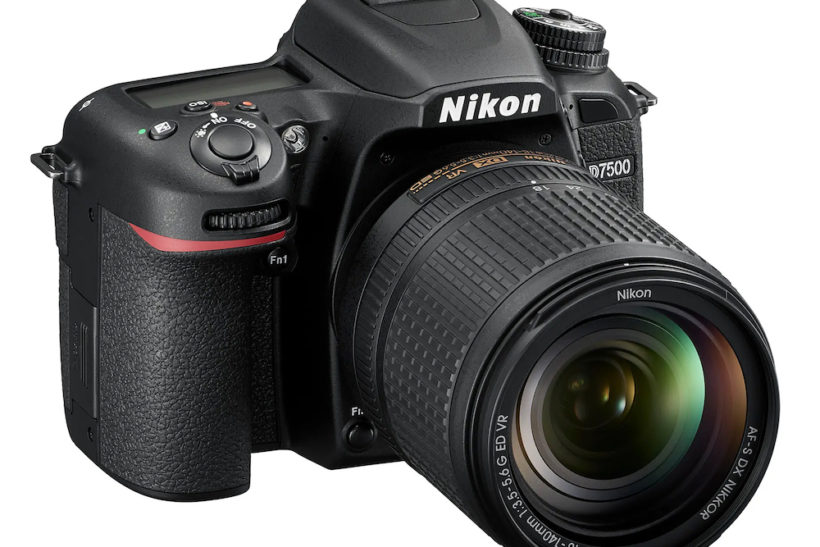
Nikon D7500 Dslr Gets Firmware Update Version 1.11
-
 Loading...
 - Pipsa Autio
- 21 Jun 2022
- 236 Views
- 0 Like
- 0 Comment
The 20.9MP camera was launched in 2017 and is now the main DX format consumer/prosumer model in Nikon’s DSLR range, following the recent announcement that production had ended for the D3500 and D5600 DSLRs.
Checks before updating
Before proceeding with the firmware update you should select Firmware version in the camera’s SETUP MENU and check the camera firmware version.
You will not need to download or install this update if firmware version 1.11 is already installed.
This update includes all changes made in previous updates (versions 1.00-1.10).
The fixes in firmware version 1.11 are as follows:
- Fixed an issue occurring during live-view photography with a mix of optically- and radio-controlled flash units that would sometimes result in the optically-controlled units not firing.
- Fixed an issue occurring when a flash unit was mounted on the camera that would sometimes result in the camera ignoring the value selected for [ISO sensitivity settings] > [Maximum sensitivity with flash] in the [PHOTO SHOOTING MENU] after settings were loaded using [Save/load settings] > [Load settings] in the [SETUP MENU].
Note: Performing a firmware update while the camera is affected by the second of the two issues above will not in itself correct the problem.

After the update
After performing the firmware update, you will need to either:
- Reset all settings using [Reset all settings] > [Reset] in the [SETUP MENU], or
- Load previously saved settings (if available) from the memory card using [Save/load settings] > [Load settings] in the [SETUP MENU]. Read More...