Soft Proofing Your Photos to Get the Most From Your Printer

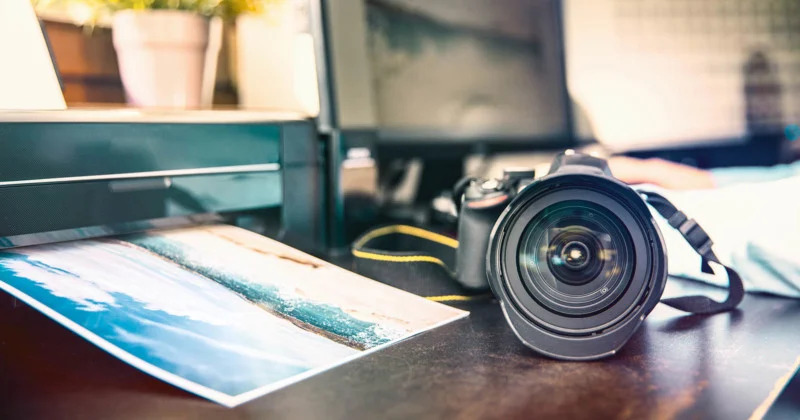
As photographers, one of the most exciting parts of our job is to print the fantastic photos we capture. As eager as we are to get the prints, we need to ensure we follow the entire pre-printing process to the T to ensure you have realistic prints. One crucial step in the process is soft proofing.
Soft proofing is a simple method that allows you to visualize what your photo will look like once you get it printed. In addition, it will enable you to choose between different color spaces and ICC profiles for your printer. You also get to adjust the color balance, saturation, brightness, sharpness, and other aspects to ensure the resultant image is as accurate as the original.
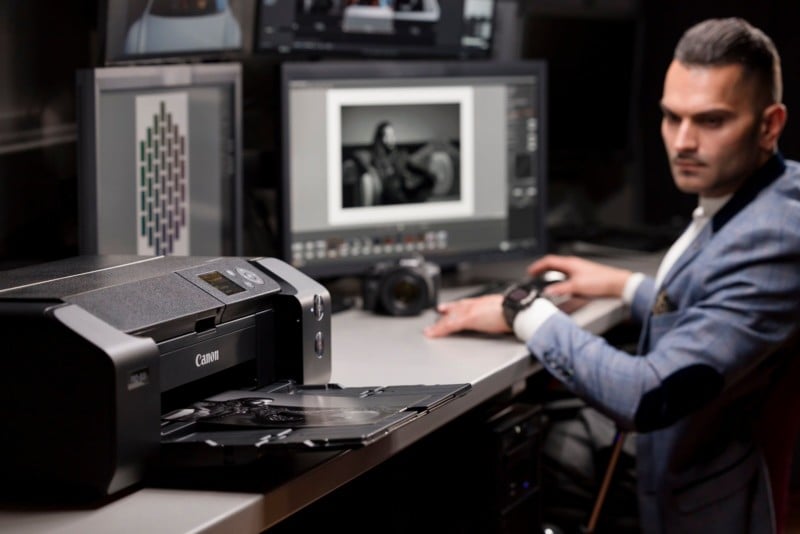
Photographers with perfectly calibrated screens and a good quality printer can benefit from soft proofing. But irrespective of whether you have these resources, it’s still a good practice to soft proof images before you print them as it can save you ink and time.
What is Color Management?
Two critical stages of color management are calibration of the monitor and using the correct printer profile. Color management aims to align your devices, from capture to viewing to print, to maintain consistent, correct color across all your devices.
Calibrating your monitor is one of the essential tasks you need to consider when preparing your images for printing. When you calibrate a monitor, you balance and correct its colors. You can easily calibrate your monitor with the help of a spectrometer and sound, reliable calibration software. On the other hand, using a printer profile instructs your printer on how it should interpret the colors by understanding the medium the ink prints on. When your printer accurately interprets colors within a printable color space, it can replicate them perfectly.
Understanding Color Space and Why it’s Important
Color space is the range of colors that a device (such as a monitor or printer) can display or print. Typically, color space is expressed in Adobe RGB (1998) or sRGB. These abbreviations stand for the colors used in printing – so RGB is Red, Green, and Blue. The greater the color space, the more gamut the device can replicate.
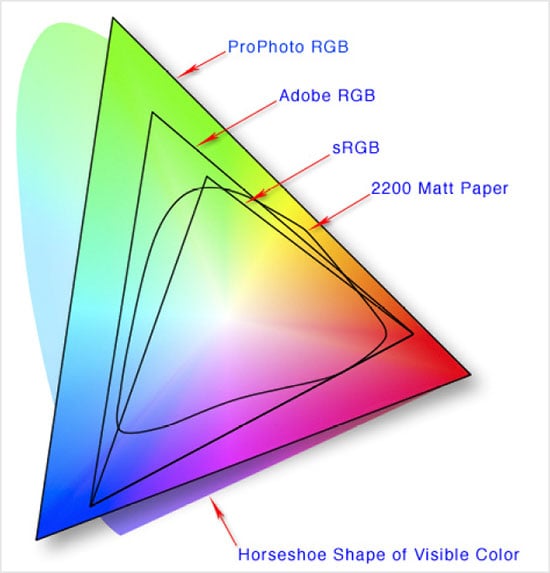
If you view a colorful photo with a large color space, such as ProPhoto RGB, and send it to a printer only capable of producing a smaller sRGB color space, the colors won’t match from screen to print. In this scenario, the vivid colors in a photo may only appear dull as the printer lacks the ink and color space information to replicate the colors. The printer essentially finds the closest color at the top of its gamut as a near match as it’s unable to print beyond its color space. Hence, it’s essential to consider how you output your photo (jpeg or TIFF and what color profile you might assign) plus the printer’s color space before printing images. Read More...