The 9 Best Drawing and Painting Apps for Digital Artists
-
 Loading...
 - Manu Anttila
- 25 Jul 2022
- 143 Views
- 0 Like
- 0 Comment
Whether you're an experienced digital artist or have never created digital art before, it's always good to know your options when deciding on a drawing program. And fortunately, you have plenty of apps to choose from.
Whether you're looking to just paint for fun or you want to learn more professional creative techniques, these apps will help you on your artistic journey. So, let's take a look at what they are, shall we?
1. Procreate
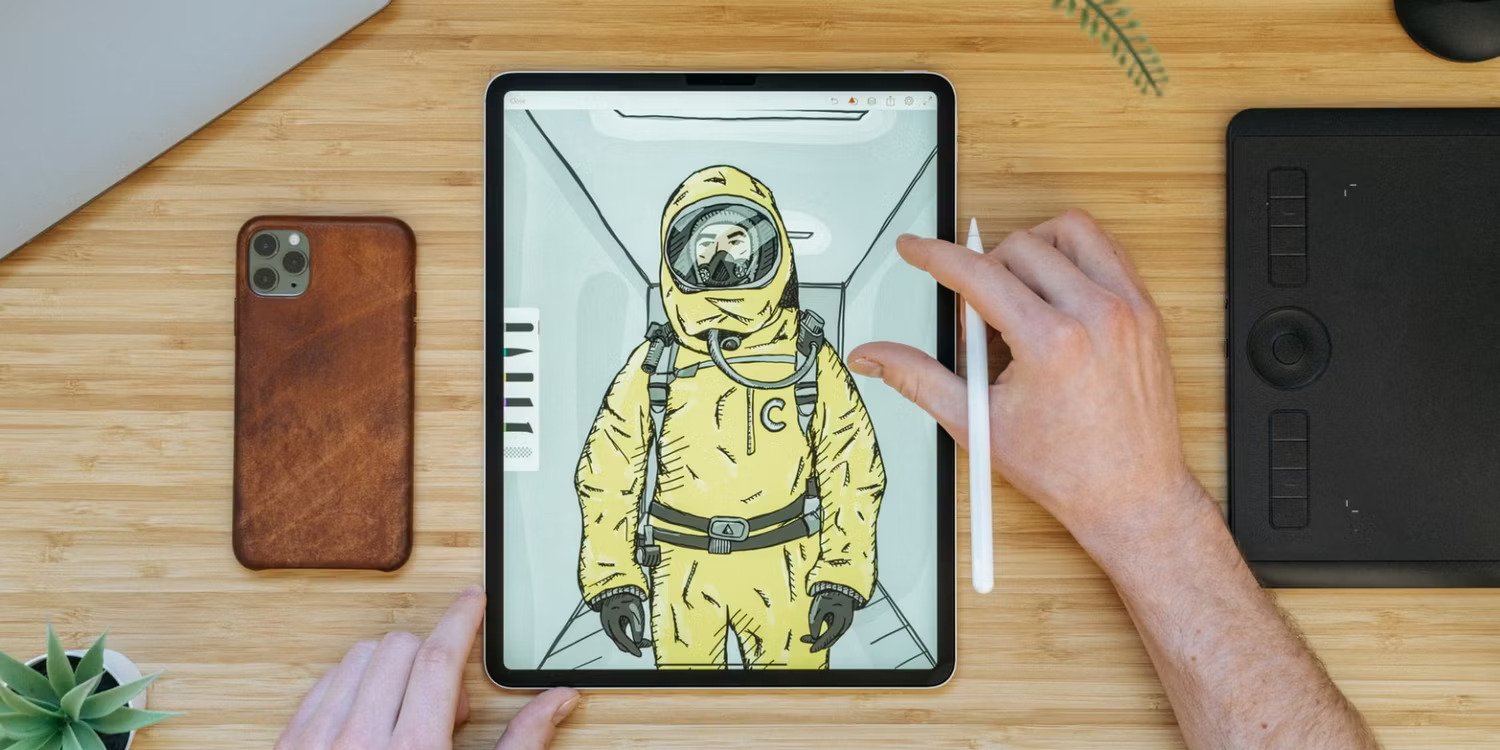
This is one of the most popular painting apps, and there is a multitude of reasons behind it being a favorite for most illustrators. It's an art studio that has everything you need to create digital art, including the ability to create your brushes, maintain a portfolio that you can share with friends, and so much more.
Procreate also includes extensive courses for teachers and students, such as color harmony, 3D product design, exploring characters, Procreate tools, tips and tricks, learning to animate, layers, blends modes, and artistic topics covering science, math, and humanities.
And lastly, you can add a personal touch to your work by adding your signature to your artwork in Procreate.
2. Astropad Studio
This art studio is perfect if you own an iPad and is unique for its ability to mirror your screen to your laptop! It includes customizable tapping gestures to change tools the way you like, pen pressure adjustments such as drawing strokes, curves, and smoothing, and has crystal clear image quality.
With unlimited upgrades and maximum battery life, if you're an artist who has a specific way of using digital pens, this app will be your best friend. Read More...