Can You Edit Photos on a Steam Deck?
-
 Loading...
 - Soh Bessala
- 19 Aug 2022
- 81 Views
- 0 Like
- 0 Comment
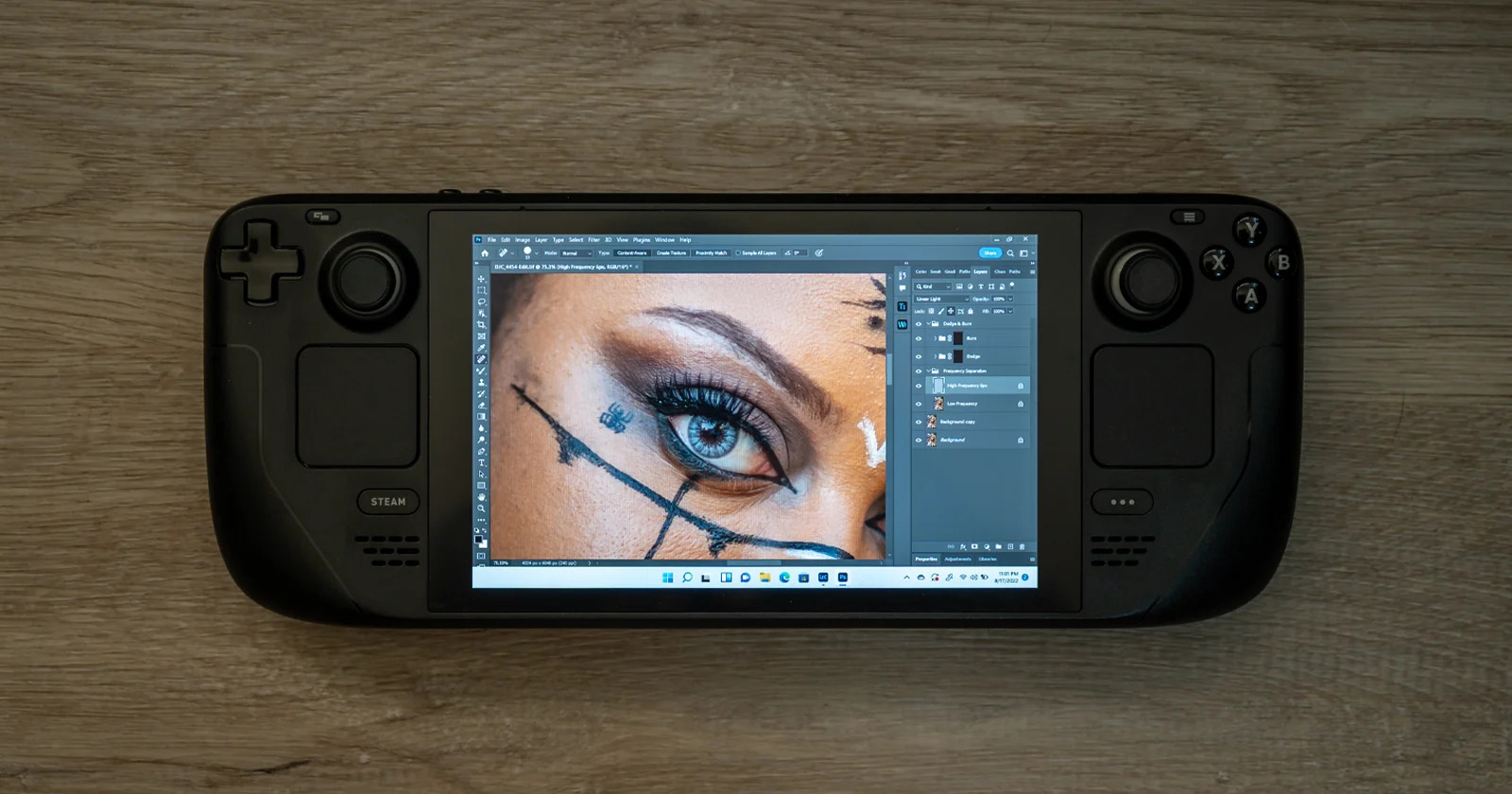
A little over a year ago, Valve announced a handheld gaming PC called the Steam Deck. In February of 2022, those who pre-ordered the device started to receive the handheld devices which have since had a huge impact on the gaming world. But what if you could do more than just play video games on the Steam Deck? What if it could run Lightroom or Photoshop? Would it be possible to edit photos on it?
The thing that you should understand about this device is that while there are many other portable consoles out there, the Steam Deck is effectively a complete portable gaming computer packed in a Nintento Switch-like chassis. The system comes pre-loaded with a Linux, desktop backend that runs Steam for the actual gaming. But thanks to the availability of a desktop mode, you can actually download and run pretty much any combination of Linux applications natively including applications like GIMP and Darktable.
Using Linux on a Steam Deck To Edit Photos
Naturally, Linux-based editing apps were the first thing I attempted. Thankfully these applications are free, but do come with a rather steep learning curve (especially if you’ve never worked with Linux before).
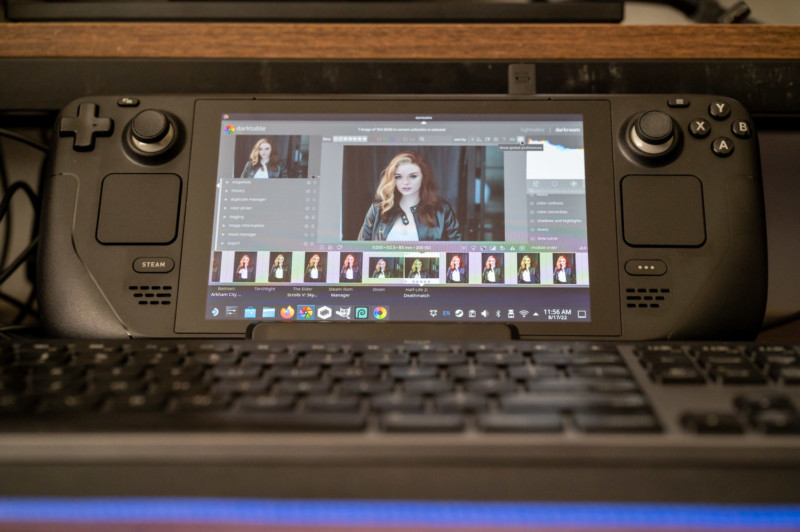
The Steam Deck technically comes with everything you would need to run it as a computer, including a virtual keyboard that pops up and leverages the device’s touch screen along with two touch-sensitive trackpads located on both sides of the screen. These two trackpads effectively act akin to how a full-size trackpad does on a laptop.
Leveraging these built-in tools and the Linux-based apps, I was able to load up a recent headshot session through the Steam Deck’s memory card reader and start editing the images using Darktable, GIMP, and RawTherapee. I actually messed around with a few other apps as well — all of which had a rather tough learning curve — but despite that, I was able to cull a session, do some basic edits in Darktable, and then use RawTherapee and GIMP to actually perform rather basic Photoshop-style edits including some cropping, dodging and burning, healing, cloning, and color adjustments. Read More...