How to Check for Snow on the Trail
-
 Loading...
 - Matey Pavovic
- 02 Jun 2022
- 261 Views
- 0 Like
- 0 Comment
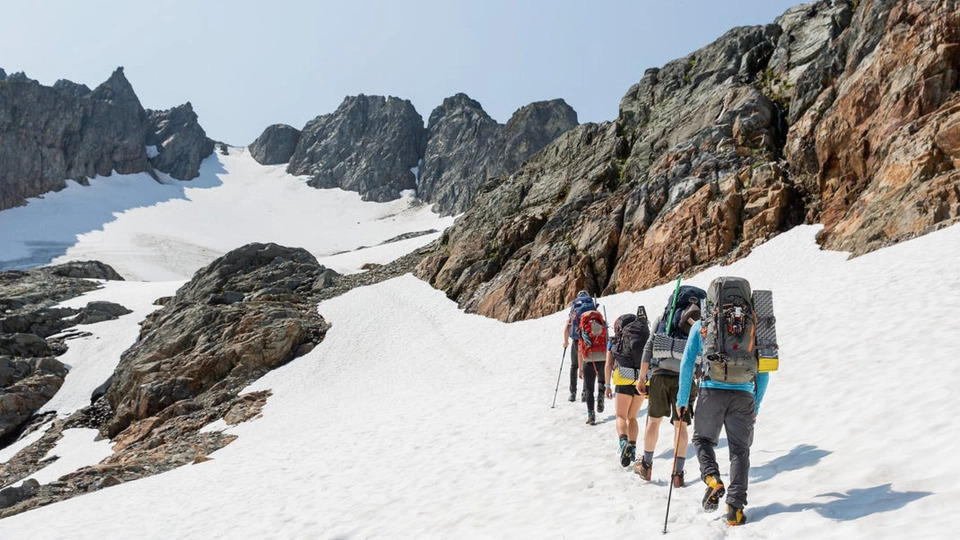
Spring is a few weeks away, and the trails will be melting out before you know it. But conditions at the parking lot do not necessarily tell you what the trail looks like up ahead. Even well into summer, snow can cling to high mountain passes. Lingering cornices and deep snowdrifts can be onerous and present obstacles.
Plus, mountain weather can turn on a dime. A warm, sunny day can quickly escalate into a freezing cold whiteout blizzard.
Thankfully, you can use Gaia GPS to help eliminate this guesswork of whether the trails will be sunny and snow-free. In this guide, you will learn how to use recent satellite imagery (FreshSat—Recent and Cloud Free layers), snow depth total estimates (Snow Depth layer), actual snowfall data (Snow Stations Daily layer), and Precipitation and Snow Forecasts to get a sense of how much snow may be on your hike or overlanding trip. You’ll also learn how to use these maps in conjunction with the best community resources to make informed decisions about where to go and what to bring.
Get a Bird’s-Eye View with FreshSat–Recent & Cloud Free
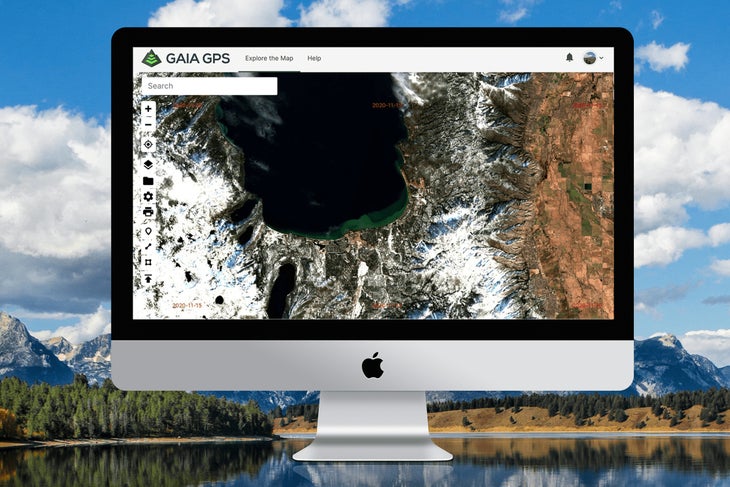
If you’re wondering whether you need crampons and an ice ax to climb your next fourteener, start by examining the FreshSat layers. These maps provide a near-in-time aerial view of conditions on the ground.
By nature of their source, these images are lower resolution than our other satellite maps. But they provide the most updated views of the terrain and conditions, which proves helpful if you want to see where snow lingers on remote mountain and forested areas. For a more crystal-clear areal view, check out the high-resolution Satellite layers.
FreshSat–Recent and FreshSat–Cloud Free both give you a snapshot of relatively up-to-date ground conditions. FreshSat–Cloud Free shows a mostly unobstructed view of the earth’s surface. FreshSat–Recent provides an even more up-to-date picture of ground conditions, but clouds may obstruct some of the view.
Both maps are updated at least every 14 days using data from Landsat-8 and Sentinel-2 government satellites. Date stamps on both FreshSat maps make it easy to identify how recently a location has been updated. Simply look at the corner of a map tile to see the date when that image was taken.
Layer these maps with your favorite base map, such as Gaia Topo, to examine the route for your trip. Start by scoping out FreshSat—Recent. If the area is obstructed by clouds, head over to FreshSat—Cloud Free. Zoom into the high points of your route, north-facing slopes, and forested areas to look for signs of snow.
Check Estimated Snow Depth Totals with the Snow Depth Layer
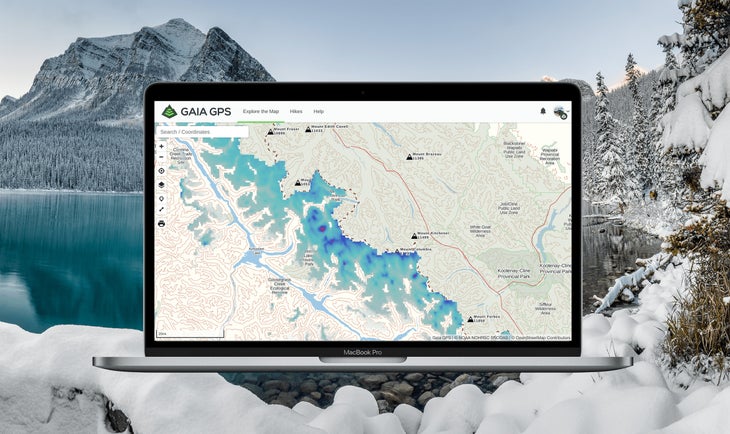
Inspired by a thru-hiker looking to track snow depths along the Pacific Crest Trail with Gaia GPS, the Snow Depth overlay gives you an estimate of snow levels covering your next route. Outdoor adventurers can examine how many centimeters of snow most likely exist in specific areas by referencing color-coded indicators of coverage.
In fact, thru-hiker Joe “Stringbean” McConaughy used this map religiously on his recent record-setting Arizona Trail “run.” Stringbean referenced this layer to get a sense of when he might encounter snow on the high-elevation sections of the trail. To do this for your next trip, just place this overlay on top of your base map. Tweak the opacity to get a picture of how much snow may be on the trail. Read More...