How to Correct White Balance in Photoshop
-
 Loading...
 - Lawrence Botchway
- 11 Aug 2022
- 77 Views
- 0 Like
- 0 Comment
White balance is one of the most basic and yet trickiest aspects of photography. Although the white balance you’ve set in-camera may look good most of the time, in other cases, you’ll need to correct it in post-processing. Today, I will show you several ways to correct your white balance in Photoshop.
How Does White Balance Affect My Pictures?
White balance affects how warm or cool your pictures look. We’ve written a complete guide to white balance here that you should check out if you want to refresh yourself on the topic.
In practice, changing your white balance has more than one effect on a photo. It affects an image’s color cast, flatness, and saturation.
Color Cast
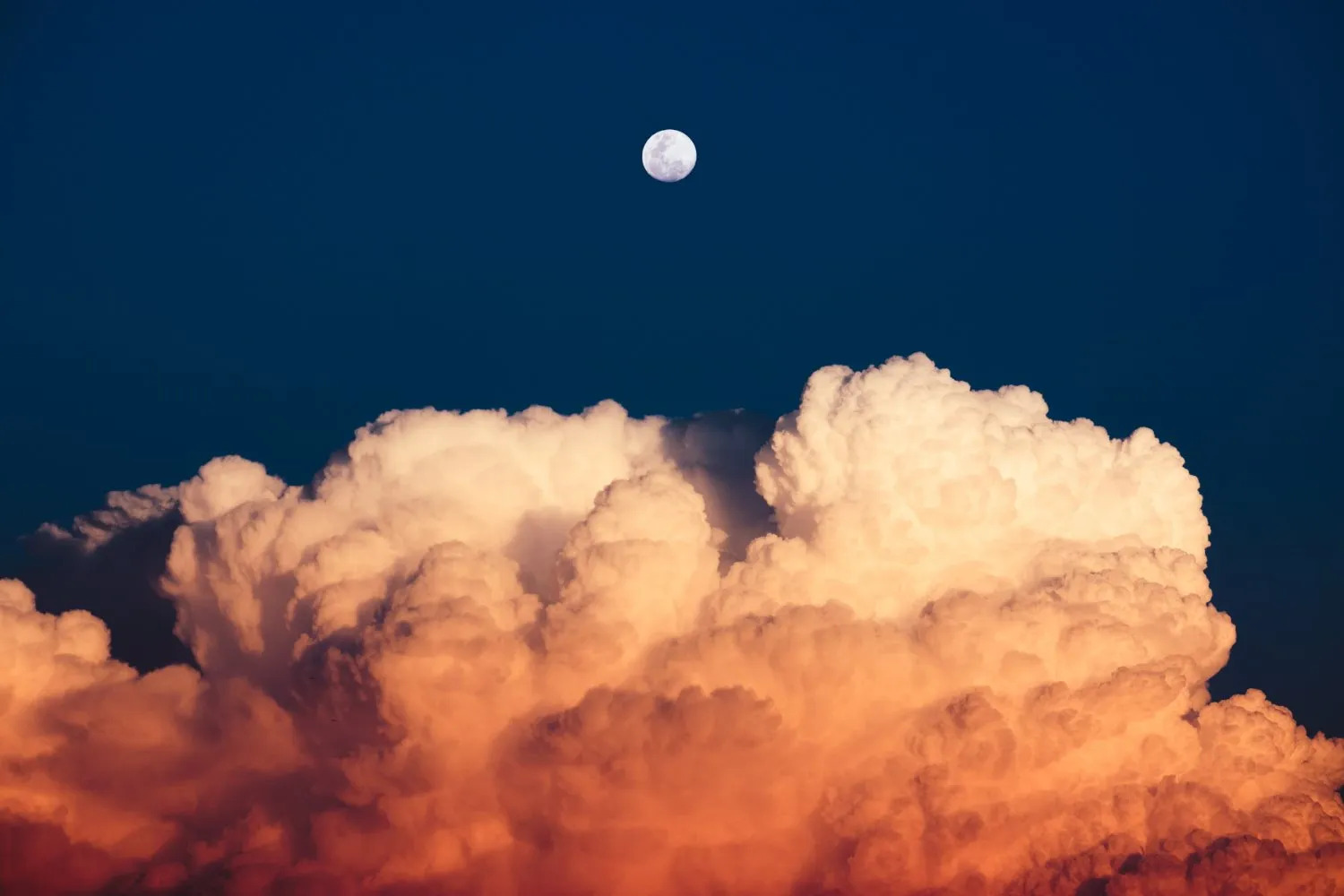
One of the biggest problems caused by using the wrong white balance is a color cast in your image. Take a look at the photo below:
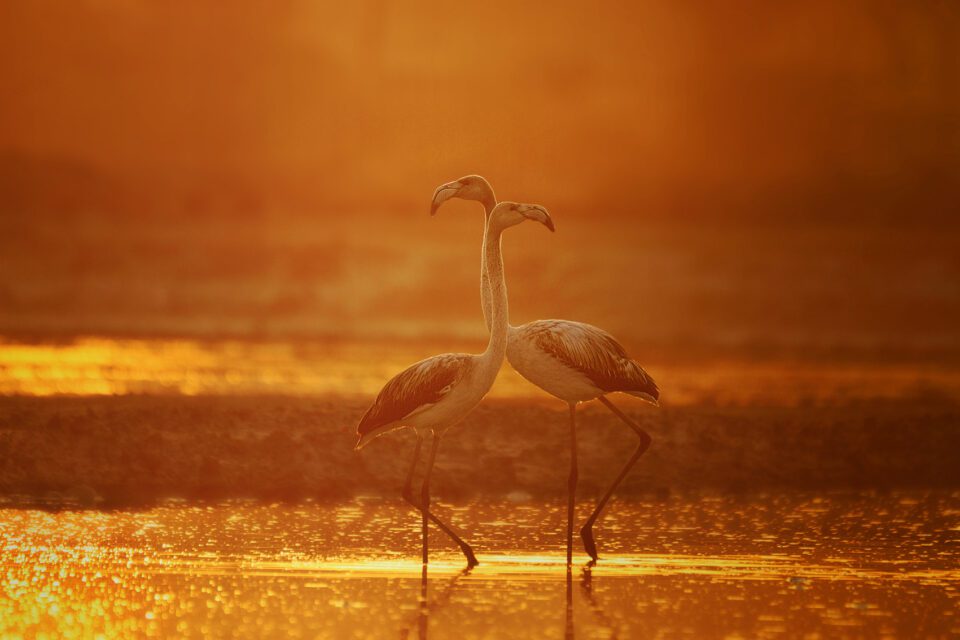
The image is almost an orange monochrome, with a dramatically warm color cast. I don’t mind an overall warm tone to this image (it is sunset after all), but this goes too far even for me. Read More...