How to move from an iPhone to a Samsung Galaxy phone

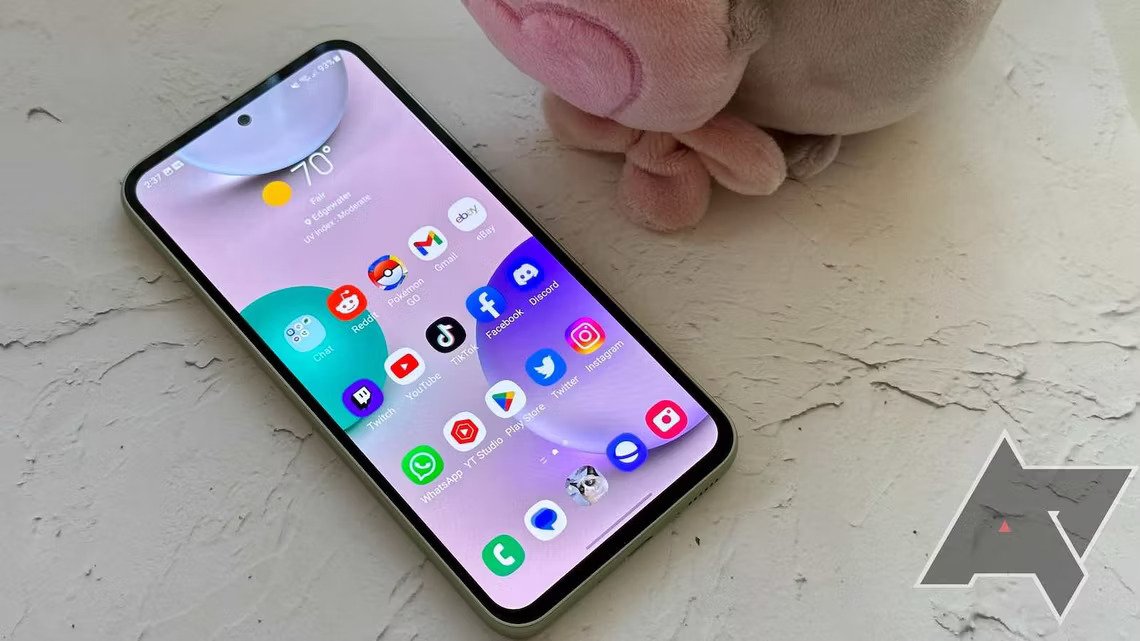
Samsung provides its own transfer utility to help you switch from an iPhone to a Galaxy phone.
You’re switching from an iPhone to Android — specifically, to a Samsung Galaxy phone — and you’d like to be able to transfer as much data as possible from your iPhone to your new Samsung device. To help with this task, Samsung offers its own transfer tool called Smart Switch.
With Smart Switch, you can transfer phone calls, contacts, messages, photos, videos, documents, certain apps, settings and more from your old device to your new one. The process can work either wirelessly via iCloud or through a direct cable between the two phones. Here’s how.
Using Smart Switch during initial setup
First, start the initial setup process for your new Samsung Galaxy phone.
At some point, a screen will appear asking if you want to copy apps and data. Tap Next to confirm that you want to transfer this content. The next screen tells you that it needs your old device. Tap Next.
The Smart Switch app is then automatically downloaded and installed on your Samsung phone (Figure A). Read More…