
WhatsApp’s redesigned emoji keyboard is ready for testing
-
 Loading...
 - Claire James
- 08 Jun 2023
- 451 Views
- 0 Like
- 0 Comment
Adding emojis to text conversations brings a touch of joy and human connection, even though they are simply symbols in a chat. Their usage is so widespread and well-understood that the ability to quickly select the appropriate emoji has become essential in today's conversations. Just recently, we noticed that WhatsApp has quietly updated its emoji picker keyboard with a fresh new look. It seems that someone at Meta is eager to introduce this feature to the masses, as it is now being made available to several WhatsApp beta testers.
Meta has recently started rolling out version 2.23.12.13 of WhatsApp beta through the Google Play Store. As pointed out by WABetaInfo, this update provides beta testers with their first glimpse of the new emoji keyboard user interface. However, the rollout seems to be gradual, as not all testers, including a few members of the Android Police team, have access to it just yet.
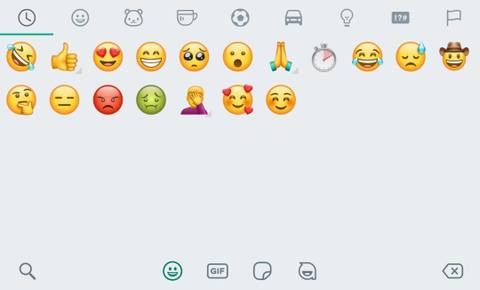
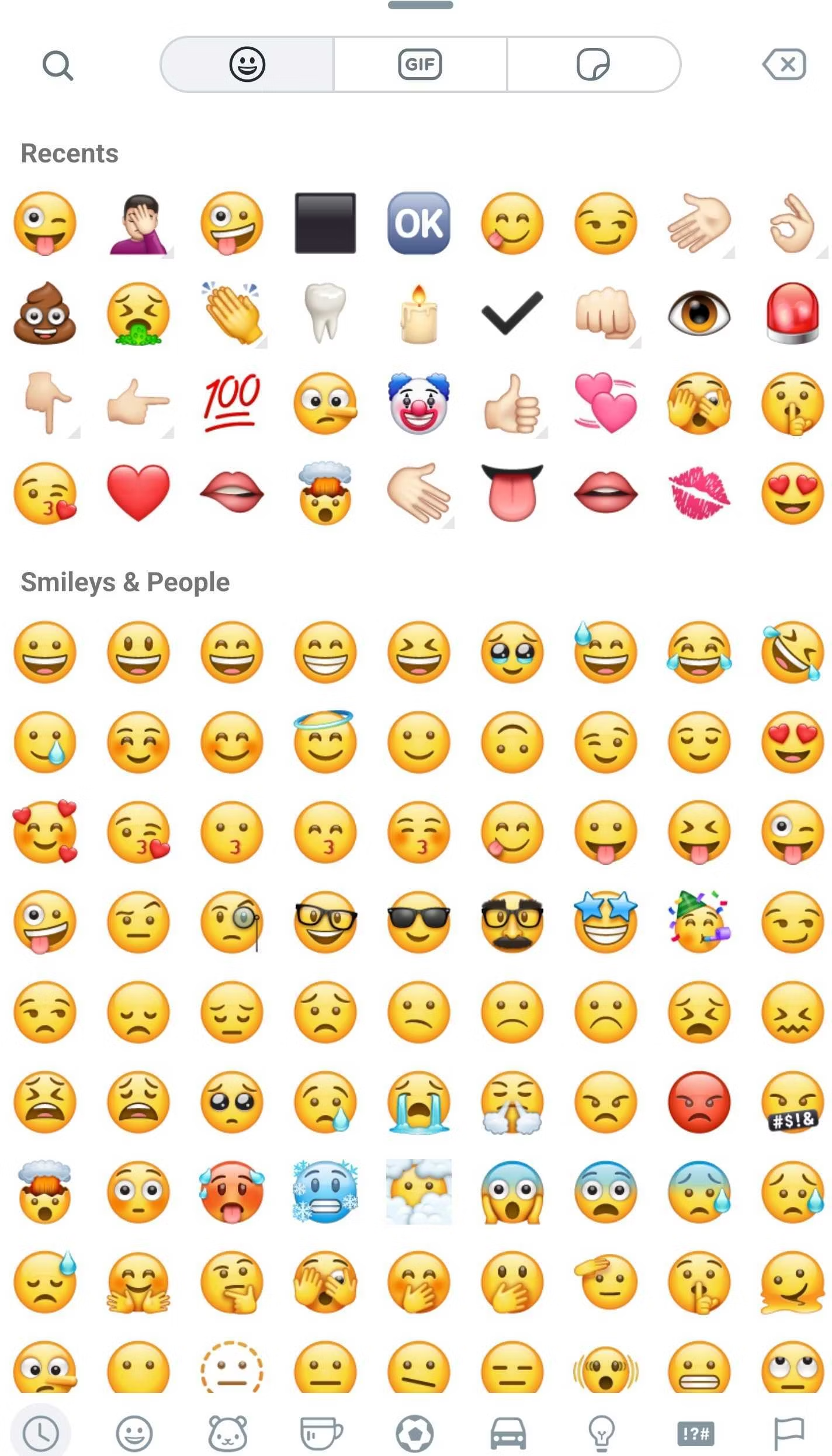
The new emoji keyboard in WhatsApp makes it much more convenient to switch between emojis, GIFs, and stickers. Instead of using the small buttons at the bottom of the user interface, the new keyboard features a large, pill-shaped bar with tabs for seamless switching between the three options. Additionally, the emoji sub-category bar has been moved from the top to the bottom of the user interface. If you prefer scrolling, the latest beta version also allows you to swipe up on the top edge of the keyboard to increase its height by three times.
Keen-eyed beta testers might also notice that the paperclip icon for attachments, which used to sit next to the camera icon in the message box, has been replaced with a plus icon in the left corner of the box. The old spot now contains a button that lets you switch back to the alphanumeric keyboard when the emoji selector is open. This change might require some retraining of muscle memory for regular WhatsApp users.
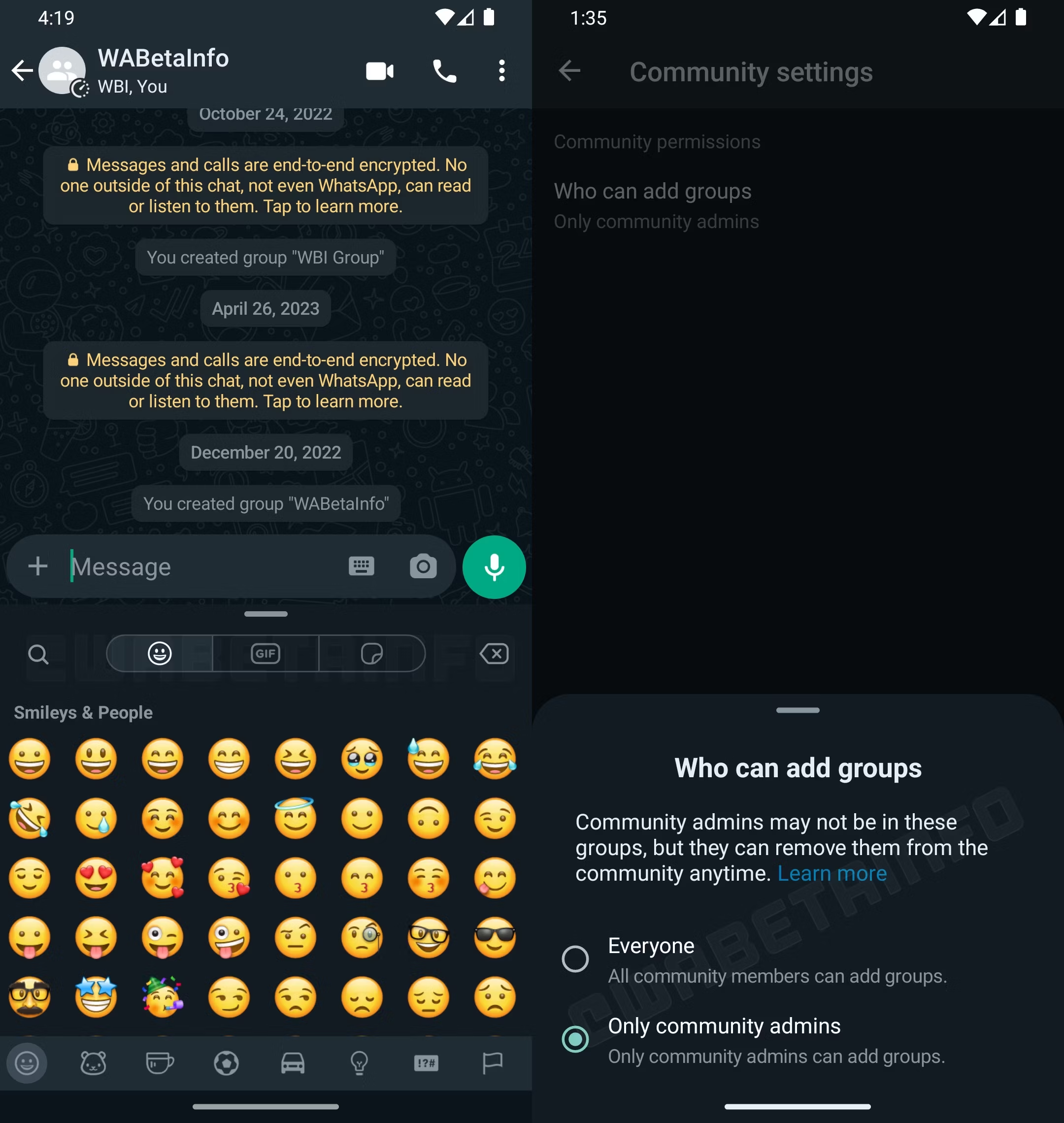
The beta version also unveils a new settings page for group and community administrators, granting them control over who can add new groups to a community. By default, only community admins have this privilege, but a new option now allows any member of the community to add groups. This setting can be particularly useful when communities are newly formed and require moderation or when gathering information through crowdsourcing.
Meta appears to be expediting the development of the emoji keyboard redesign, and we hope to see it in the stable version of the app in the near future. If you are a beta tester and have yet to receive the update, the wait may not be too long.