How to unlock your smartphone camera's best hidden features
-
 Loading...
 - Remeysa Acha
- 03 Oct 2022
- 65 Views
- 0 Like
- 0 Comment
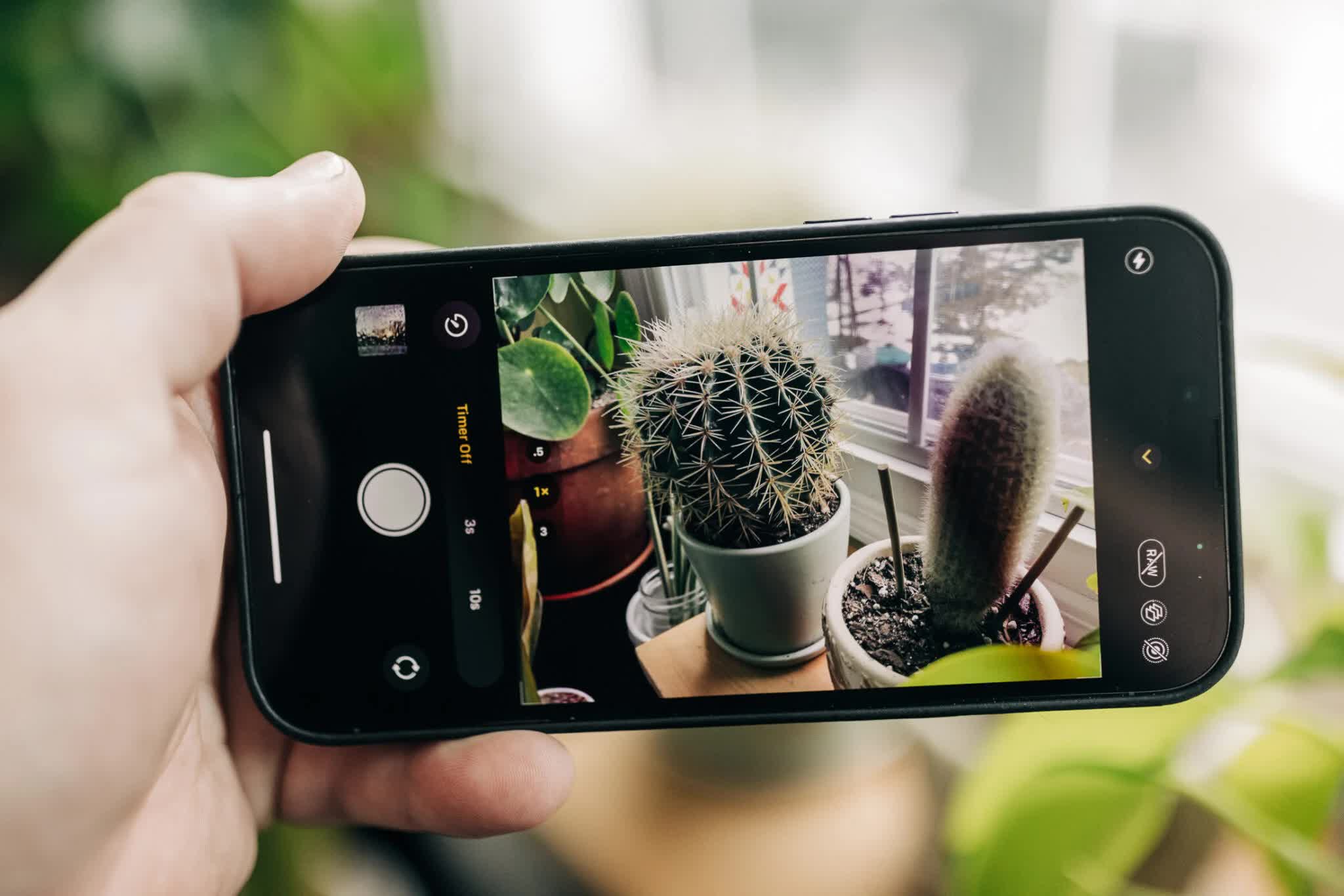
What could be more fundamental to photography today than our smartphone cameras? They’re ever-present, ready in moments, and the technology behind them makes it easy to capture great photos in most situations. And yet, I regularly encounter people who are unaware of many of the core functions of the built-in camera app.
Smartphone camera fundamentals extend beyond just “push the big button.” Some tools help you set up the shot, and some give you more control over the exposure. A few are just plain convenient or cool. However, these features aren’t always easy to find. That’s where we come in.
iOS 16 vs. Android 13
But first, for these examples, I’m using the two phones I have at hand: an iPhone 13 Pro running iOS 16 and a Google Pixel 6 Pro running Android 13. I’m also focusing just on the built-in camera apps; for even more manual control, you can find third-party apps in the app stores. Many of the camera features overlap between iOS and Android operating systems, and it’s possible that some may not be available on older models, or are accessible in a different way. If you see something here that doesn’t match with what you see, break out the manual—I mean, search Google—and see if it’s available for yours.
How to quick-launch the camera
Most people perform the usual dance of unlocking the phone, finding the camera app, and tapping to launch it. By that time, the moment you were trying to capture might be gone. There are faster ways. Read More...